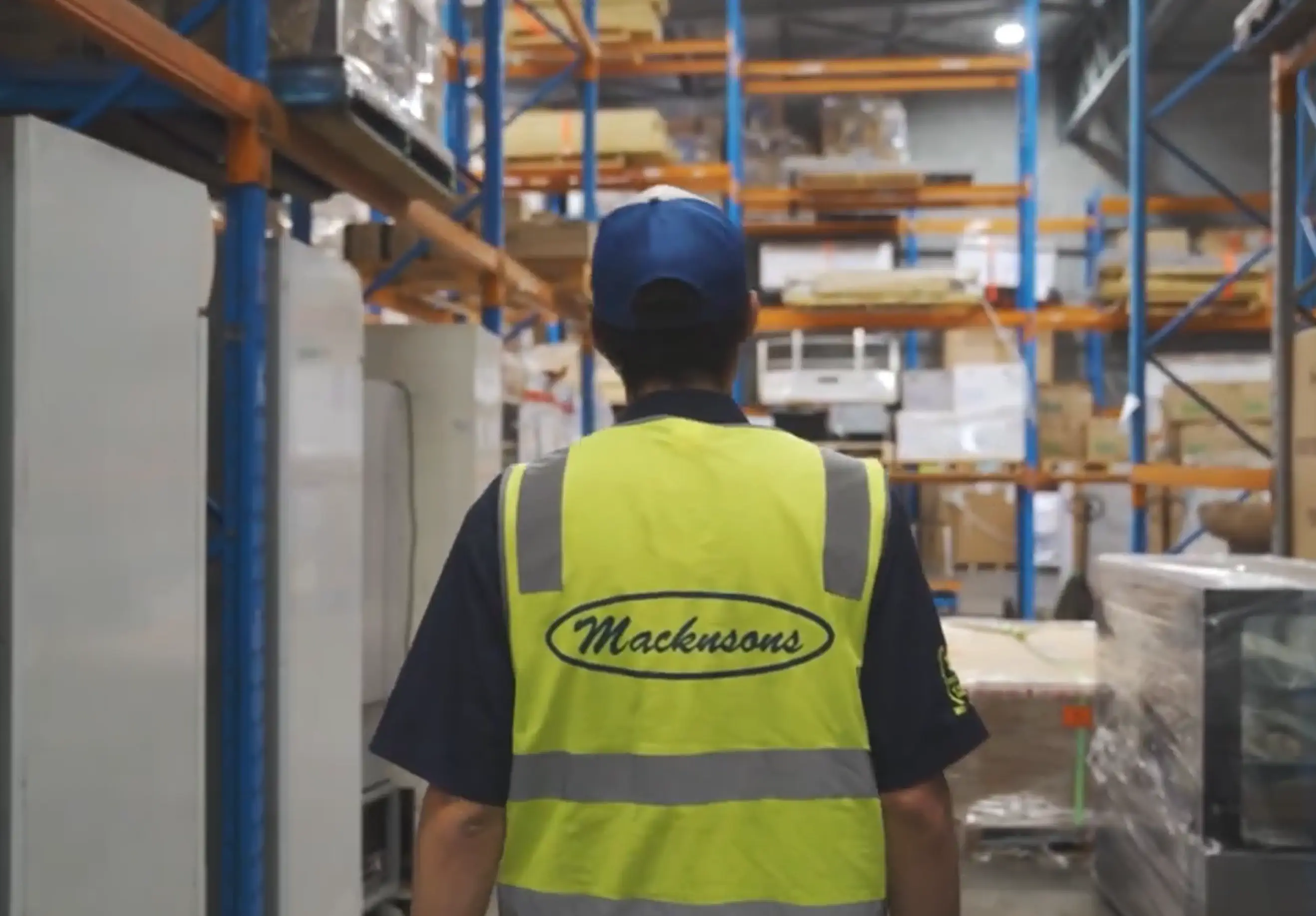
Dock Management.
Every delivery, scheduled.
No more phone calls, no more guesswork. Whether you run one distribution centre or several across multiple sites, Dock Management brings every delivery into a single live schedule. Carriers book their own slots, your floor sees arrivals in real time, and drivers check themselves in, all connected to CartonCloud.
From setup to label, in four steps
.webp)
Set up your warehouses, docks, and delivery hours
Add each site and loading door, then set the hours you operate. Docks and bookings both belong to a warehouse, so this is where it starts.
.webp)
Send carriers their booking link
Give each carrier their own link, once. From then on, they choose a warehouse, pick an available time slot, and confirm. No back and forth required.
.webp)
Bookings land on your calendar
Every booking appears automatically, ready to drag onto a dock. Link it to a CartonCloud purchase order, sales order, or consignment, so your team knows what's on the truck before it arrives.
.webp)
Drivers check themselves in
A quick code at the kiosk stamps the arrival time the moment a truck pulls up. No radio call to the office required.
What's included
Clarity for every dock. Connected to your CartonCloud data.
Dock Management works alongside CartonCloud, pulling in the order details you already have so your team never has to double-check where a delivery stands. Every booking, every check-in, and every dock, all in one place.

One live calendar, every dock
See the whole day at a glance. Week view for planning ahead, Day view for running today, with status and arrival times visible on every booking.

Carrier self-booking links
Give carriers a link once. They book their own slot within your hours, and it lands straight on your calendar.

Live Today board
A full-screen view of today's bookings for a wall-mounted screen in the office or on the dock. It updates in real time as trucks check in.

Driver check-in kiosk
A tablet at the gate or dock office lets drivers check themselves in with a code from their booking. The arrival time is stamped automatically.

Connected to CartonCloud
Link bookings to existing purchase orders, sales orders or consignments. No more double keying across systems.

Flexible to your operation
Run a single loading bay or a multi-site operation, with its own docks and hours for every warehouse, all from one workspace.
On-time performance, tracked automatically
Every arrival is timestamped the moment it happens, whether it's marked at the kiosk or by staff, so you always know who's running on time.

Drag-and-drop scheduling
Move a booking to a new time or dock, or resize it, in a few clicks. Plans change. Your calendar keeps up.
Role-based access
Give staff Viewer, Operator, or Admin access, so the right people can book, check in, or manage settings, and nothing else.


Ready to take the guesswork out of your dock?
Define rules to determine how carriers are selected — from simple cost-based logic to complex routing by customer, region, or service type. Rules are evaluated in order; the first match wins.
Always select the cheapest rate
If requested service contains "express" → use Australia Post Express
For a specific customer → use their preferred carrier
If shipping to [city/region] → use [carrier]
Fallback: cheapest available carrier

Frequently Asked Questions
A live dock schedule connected to CartonCloud. Carriers book their own slots, your floor sees arrivals in real time, and drivers check in on a kiosk.
Dock Management pulls from your CartonCloud data. Bookings connect to your purchase orders, sales orders, and consignments.
A tablet/iPad at the gate or dock office for driver check-in.
Dock Management is available globally.
Dock Management is available as an add on across all CartonCloud pricing plans.
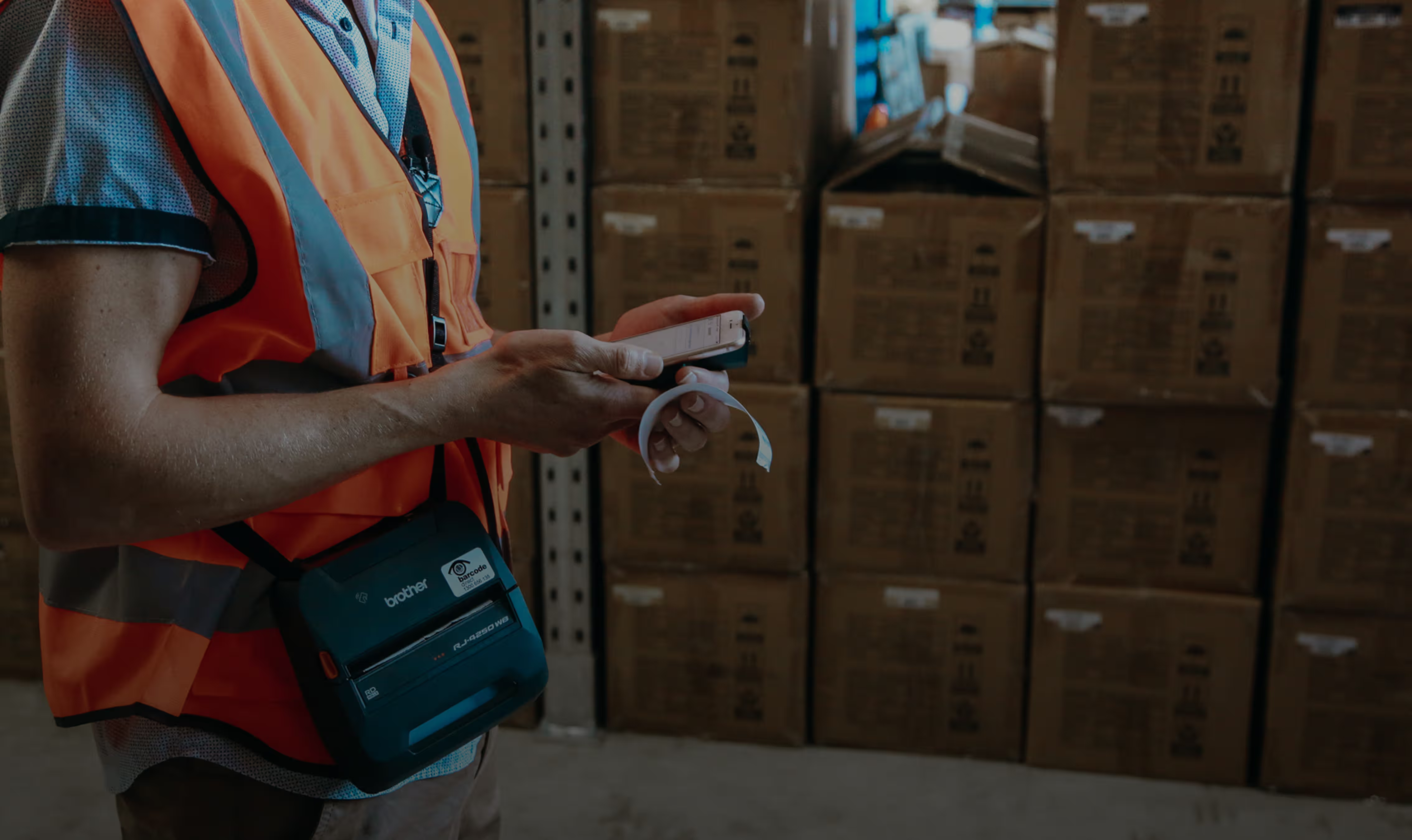
Ready to take the guesswork out of your dock?
Dock Management is available now. Reach out to our team to get set up.