
What can you Configure?
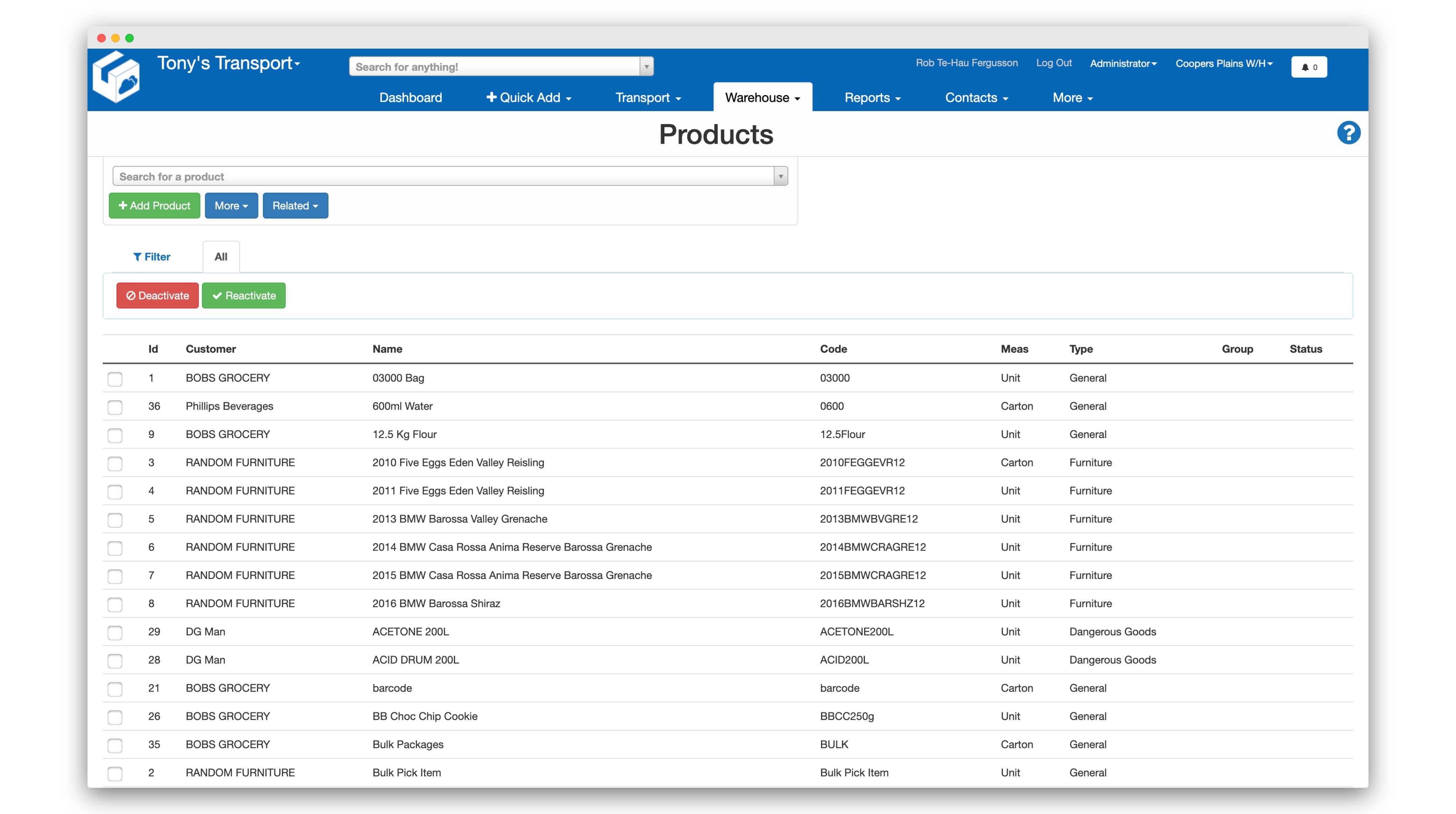
When you're setting up products within CartonCloud's warehouse management system and transport management system, you can configure the various pack sizes that they come in. For example, if you were dealing with a can of CocaCola, you might have a single can that you can pick and pack, or you might also have a box of 18 cans that you can pick and pack.
You can define different barcodes for each of these different packing sizes so that when your staff are in the warehouse packing orders rather than needing to scan a single can 18 times, they can just go straight and scan a box of 18 if that's what they've been directed to pick.
You can define different barcodes for each of these different packing sizes so that when your staff are in the warehouse packing orders rather than needing to scan a single can 18 times, they can just go straight and scan a box of 18 if that's what they've been directed to pick.
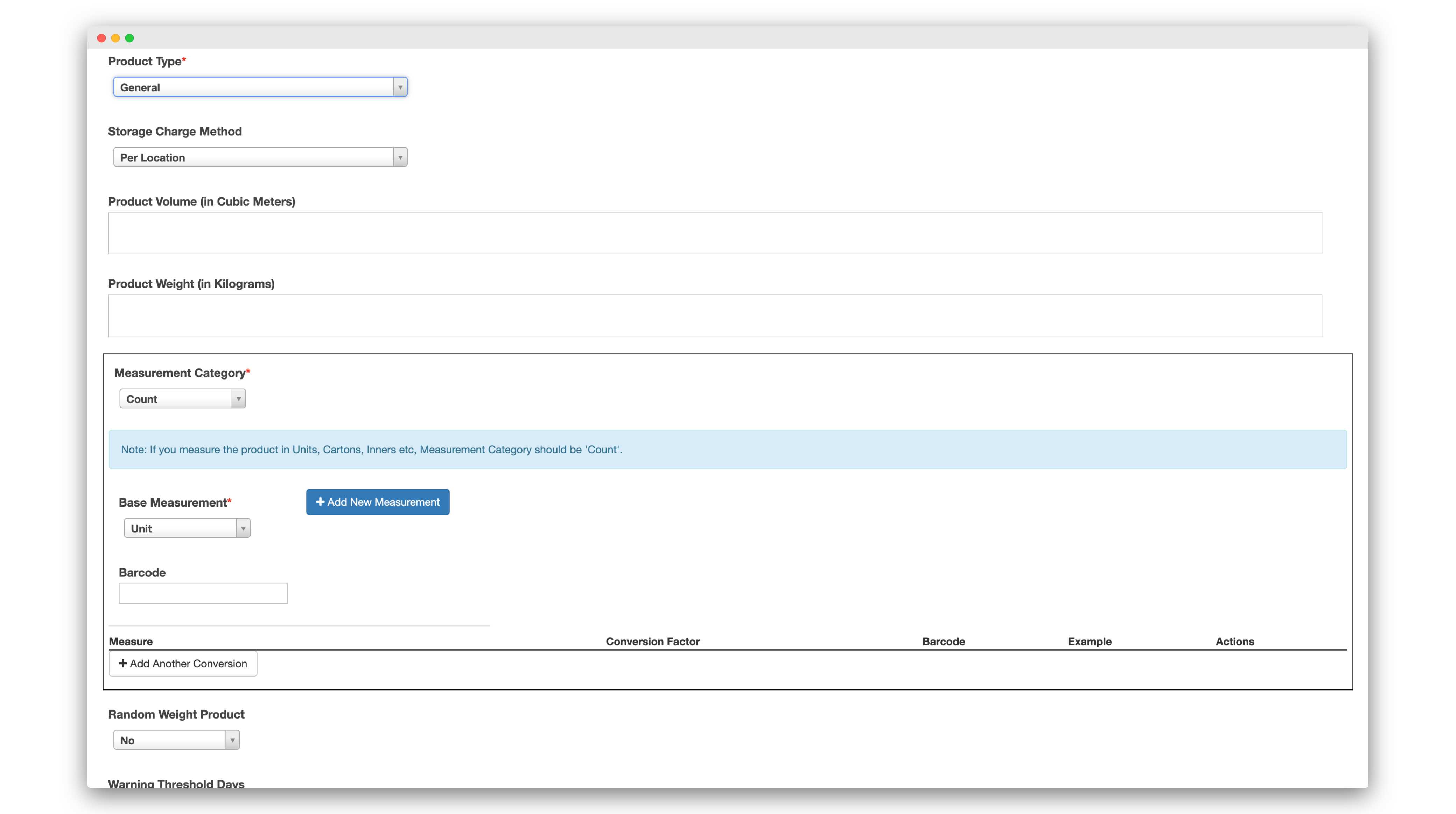
Units, Cartons, Pallets, etc
In addition, the software automatically scales product quantities when they're showing the pickers what to do. So rather than the picker seeing go and pack 18 cans, it would say go and pack one box.
The same thing happens with pallets. Rather than seeing to go unpack, say, 600 units of a product, if that's a whole pallet, it would say go unpack one pallet of this product. So it makes it very easy to pick exactly the right amount, but also to scan the correct barcode.
The same thing happens with pallets. Rather than seeing to go unpack, say, 600 units of a product, if that's a whole pallet, it would say go unpack one pallet of this product. So it makes it very easy to pick exactly the right amount, but also to scan the correct barcode.
