October 2026: New Feature Round-Up
Directed Putaway is now available, Business Intelligence refreshes every 15 minutes, and our new Fletch AI assistant and MCP Connector are live in Beta. Here's a full rundown of what shipped in October.
Published:
November 4, 2026
TABLE OF CONTENTS
October's headline is Directed Putaway, now out of Beta and ready for every eligible customer. Business Intelligence can now be used for operational analytics throughout the day, Fletch, our in-app AI assistant, has opened in Beta, our new MCP Connector lets you plug CartonCloud into your own AI tools, and Carrier Selection Rules got sharper control over which rates your packers see. Here's everything that shipped.
What's New?
- Directed Putaway Now Available to All Eligible Customers
- Business Intelligence: 15-Minute Refresh, Auto-Refreshing Dashboards and Sharing
- Fletch, Our In-App AI Assistant, Is Now in Beta
- MCP Connector: Connect CartonCloud to Your Own AI Tools
- A Bigger, Better-Documented Public API
- Carrier Selection Rules: Filters and "Only Show the Selected Rate"
- A Faster Mobile App
Coming Soon:
- GS1/SSCC Scanning in Picking
- Pick vs Pack Times on Sale Orders
- Adhoc Charges on the Pack Screen
- ShipStation Click+Connect
- Even More Mobile App Speed Improvements
Directed Putaway: Now Available
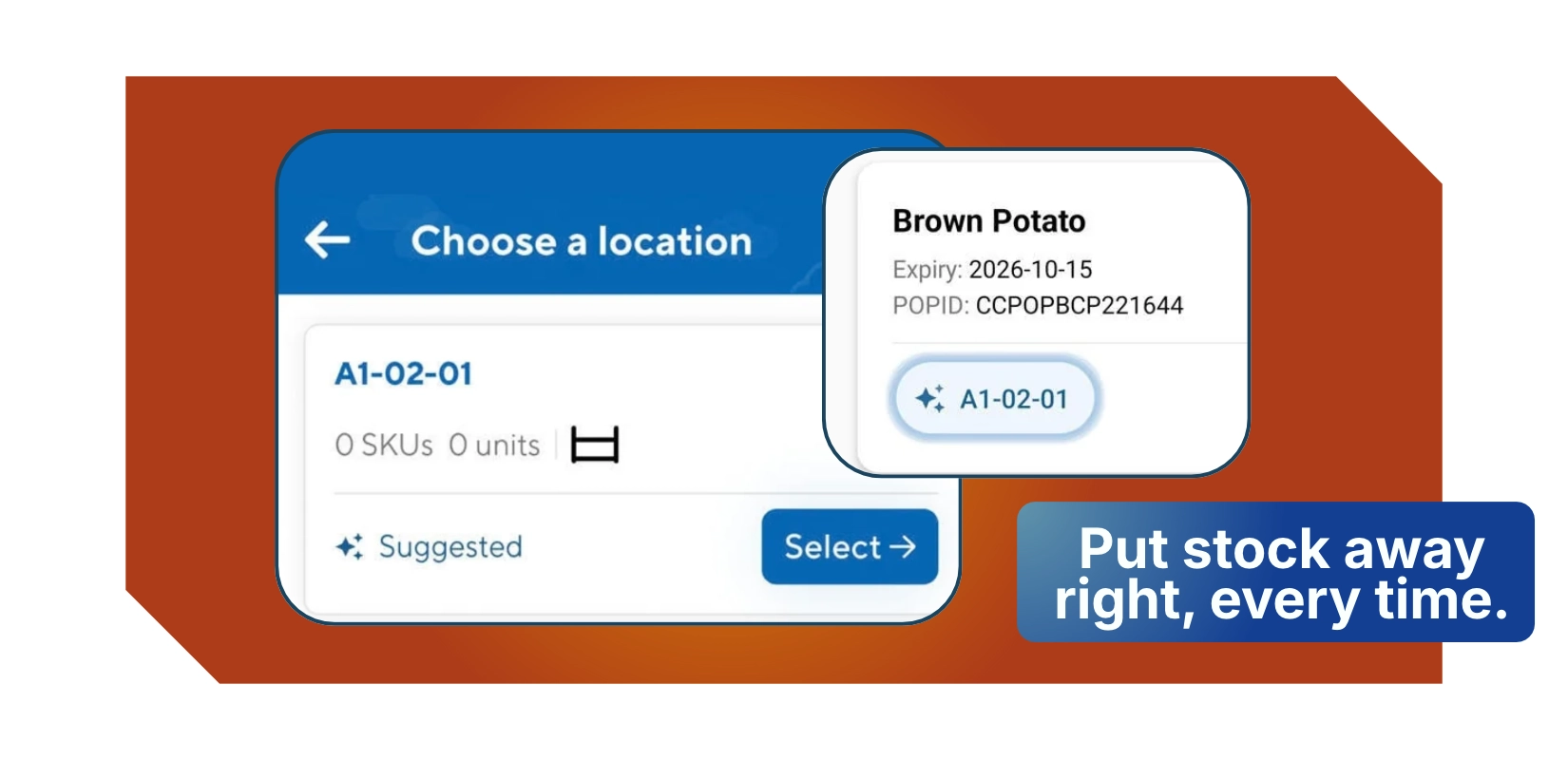
Directed Putaway is now available to all customers on the Premium, Professional, Professional Plus and Enterprise plans. A big thank you to our Beta customers, whose feedback shaped the finished feature.
When your team puts stock away on the mobile app, from a Purchase Order or with Scan Move, CartonCloud suggests the best location for it. Suggestions weigh up empty locations, where the product is already stored, recent putaway and pick activity, and the product's Preferred Zones. Staff can follow the suggestion or choose their own location, so new starters get guidance while experienced operators keep full control.
To get started, update to mobile app version 6.61.0 or later on Android or iOS, then turn it on per device under Settings > Optional Features > Directed Putaway.
Business Intelligence, Fresh Data Every 15 Minutes
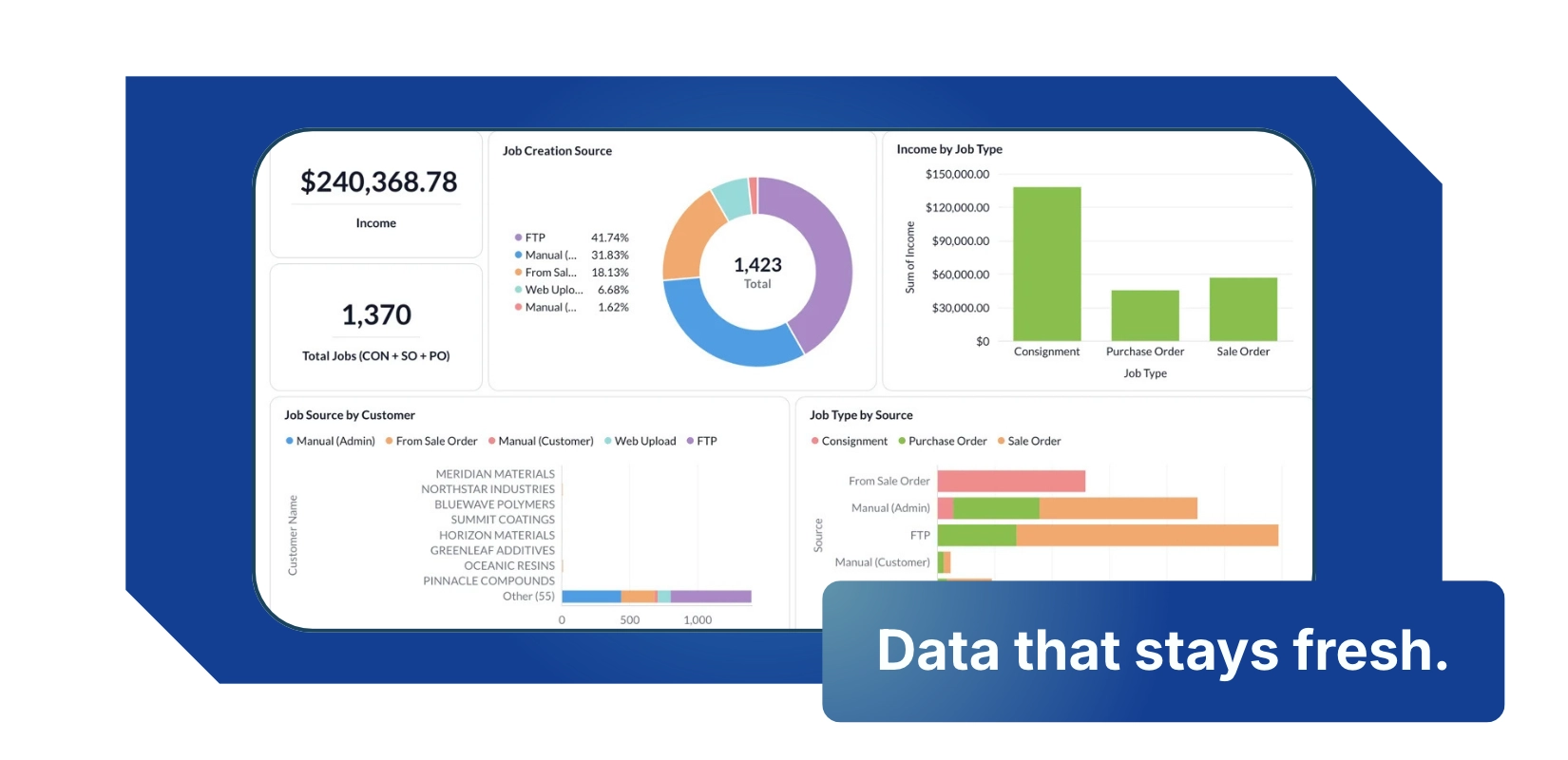
Three upgrades make Business Intelligence a genuine operational reporting tool, not just a monthly look-back.
- 15-minute data refresh: Your BI data now updates every 15 minutes, so dashboards reflect what's happening on the floor today.
- Auto-refreshing dashboards: Leave a dashboard open on a screen in the warehouse or office and it reloads itself, always showing current figures without anyone touching it.
- Share dashboards with all admins: Share a dashboard so other administrators can view it without needing full Business Intelligence access. Shared dashboards are view-only, and only the ones you choose to share are visible.
You'll find it under Reports > Business Intelligence. Business Intelligence is available on certain plans.
Fletch, Your In-App AI Assistant (Beta)

Fletch is CartonCloud's new AI assistant, built right into the app. Ask a question in plain English and get an answer without leaving the screen you're working on, digging through help articles or raising a support ticket.
Additionally, for those already using Claude, ChatGPT or another AI assistant, the new CartonCloud MCP Connector lets you work with your CartonCloud data directly. Ask your AI tool about orders, stock or consignments, or build automations on top of CartonCloud, without exporting spreadsheets or writing a custom integration.
We're opening the Beta to a small group of customers first, so we can work closely with each one and let your feedback shape Fletch ahead of full release.
Want to try Fletch? Register your interest and we'll get you set up with access.
A Bigger, Better-Documented Public API
Over the past few months we've significantly expanded what you can do with the CartonCloud public API, so your developers, integration partners and now your AI tools can do more without a custom build.
- Many more endpoints: A large set of capabilities that were previously only available inside CartonCloud are now published and documented in the public API.
- Richer consignment data: Consignments can now return their address and income zones on request, so integrations get the routing and charging context they need in a single call.
- Permissions that match your Users: API Clients can now be given the same Administrator or Customer role as a User, with a View permissions window that shows exactly what a client can access before you save.
We're continuing to add endpoints, so keep an eye on the docs for what's new.
Carrier Selection Rules: More Control Over Which Rates Your Packers See
Two new options give you tighter control over the rates that appear on the Pack Screen, and which one gets picked.
Only show the selected rate. Carrier Selection Rules already pick a winning rate for you, whether that's cheapest, fastest or a specific carrier. Turn on Only show the selected rate and, when that rule matches, the Pack Screen shows only the winner. No more packers overriding your carrier strategy at the bench. Leave it off and nothing changes.
Filter rules. A new Filter rule type lets you include or exclude specific carrier accounts and services before an Action rule picks the winner. Use it when a customer should only ever see certain carriers, or when a service should never be offered even if it comes back in the quote. Filters can apply all the time or only when certain conditions are met, and can be set at the organisation or customer level.
Find both under Organisation Settings > Transport > Carrier Selection Rules, or on a customer under Transport Management > Carrier Selection Rules.
A Faster Mobile App
The latest CartonCloud mobile app releases include a round of speed improvements, so your team spends less time waiting on screens to load and more time getting stock moving. Update to the latest version on Android or iOS to get the benefit.
Coming Soon
Sale Order Held Status and held reasons: We're replacing the existing "Backorder" status with a new "Held" status which can be held for one or more reasons, such as Backorder, Payment, Fraud, Operational etc.
GS1/SSCC Scanning in Picking and support for Weight fields: Bringing single-scan product, batch and quantity capture to Picking, following strong uptake in Putaway.
Pick vs Pack Times on Sale Orders: We're splitting pickers and pick times from packers and pack times. Both will flow into reports and Business Intelligence, so you can build picker and packer KPI dashboards, compare performance across your team, and spot where time is being lost on the floor.
Adhoc Charges on the Pack Screen: Add Sale Order and Consignment adhoc charges as you pack, without leaving the Pack Screen.
ShipStation Click+Connect: Connect ShipStation to CartonCloud yourself, with no support call needed, just like our other self-managed integrations.
Even More Mobile App Speed Improvements: We're continuing to make the mobile app faster, with further performance work on the way.
That's a wrap for October! Questions about anything above, or keen to try Fletch? Reach out to our support team, we'd love to hear from you.
FAQ
Q: Is Directed Putaway available on my plan?
A: Directed Putaway is available to customers on the Premium, Professional, Professional Plus and Enterprise plans. It requires the CartonCloud mobile app version 6.61.0 or later, and is turned on per device under Settings > Optional Features.
Q: How often does Business Intelligence data update?
A: Business Intelligence data now refreshes every 15 minutes, and dashboards can reload themselves automatically, making them suitable for live operational reporting on a warehouse or office screen.
Q: What is Fletch?
A: Fletch is CartonCloud's in-app AI assistant. You can ask it questions in plain English and get answers without leaving CartonCloud. It's currently in Beta with a small group of customers. Contact our support team if you'd like access.
Q: Can I connect CartonCloud to my own AI tools?
A: Yes. The CartonCloud MCP Connector lets AI assistants such as Claude and ChatGPT work with your CartonCloud data directly, through CartonCloud's public API. See our Help Centre article on connecting CartonCloud to Claude and ChatGPT for setup steps.
Q: Where can I see what the CartonCloud API can do?
A: The full public API is documented at api-docs.cartoncloud.com. It now covers many more endpoints than before, and we're continuing to add more.
Q: Can I stop packers from overriding the carrier chosen by my Carrier Selection Rules?
A: Yes. Turn on Only show the selected rate on a Carrier Selection Rule, and when that rule matches, the Pack Screen shows only the winning rate. You can also use the new Filter rule type to include or exclude specific carrier accounts and services.
Explore the resource hub
Tips, tools, downloadable guides and stories from logistics teams who are working smarter.
What Warehouse Management Systems Work Best for Multi-Client 3PL Operations?
This Week in Logistics: Inside the 2026 CartonCloud Logistics Index

How to Automate Warehouse Invoicing, Rate Cards, and Reporting
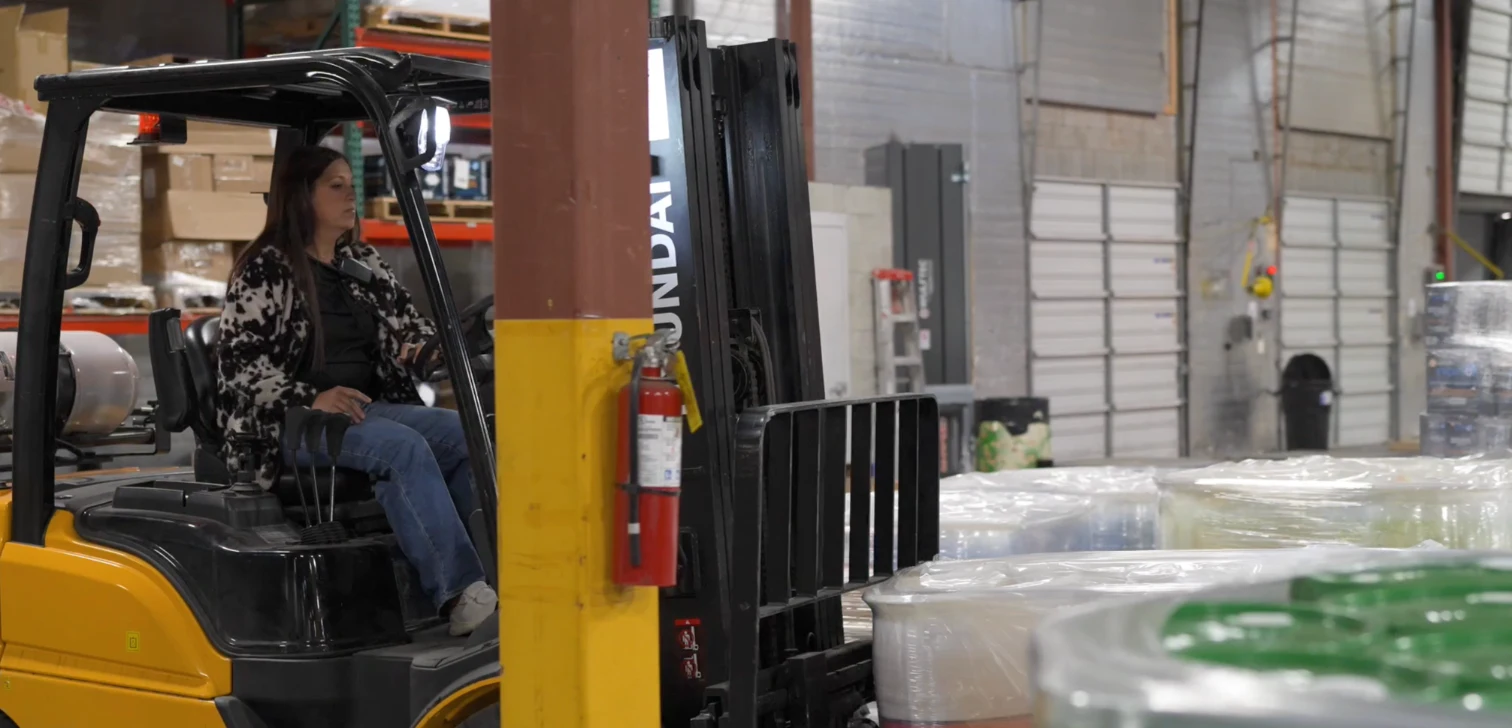
WMS vs TMS: What Growing 3PLs Actually Need

5 Signs Your 3PL Needs a Warehouse Management System
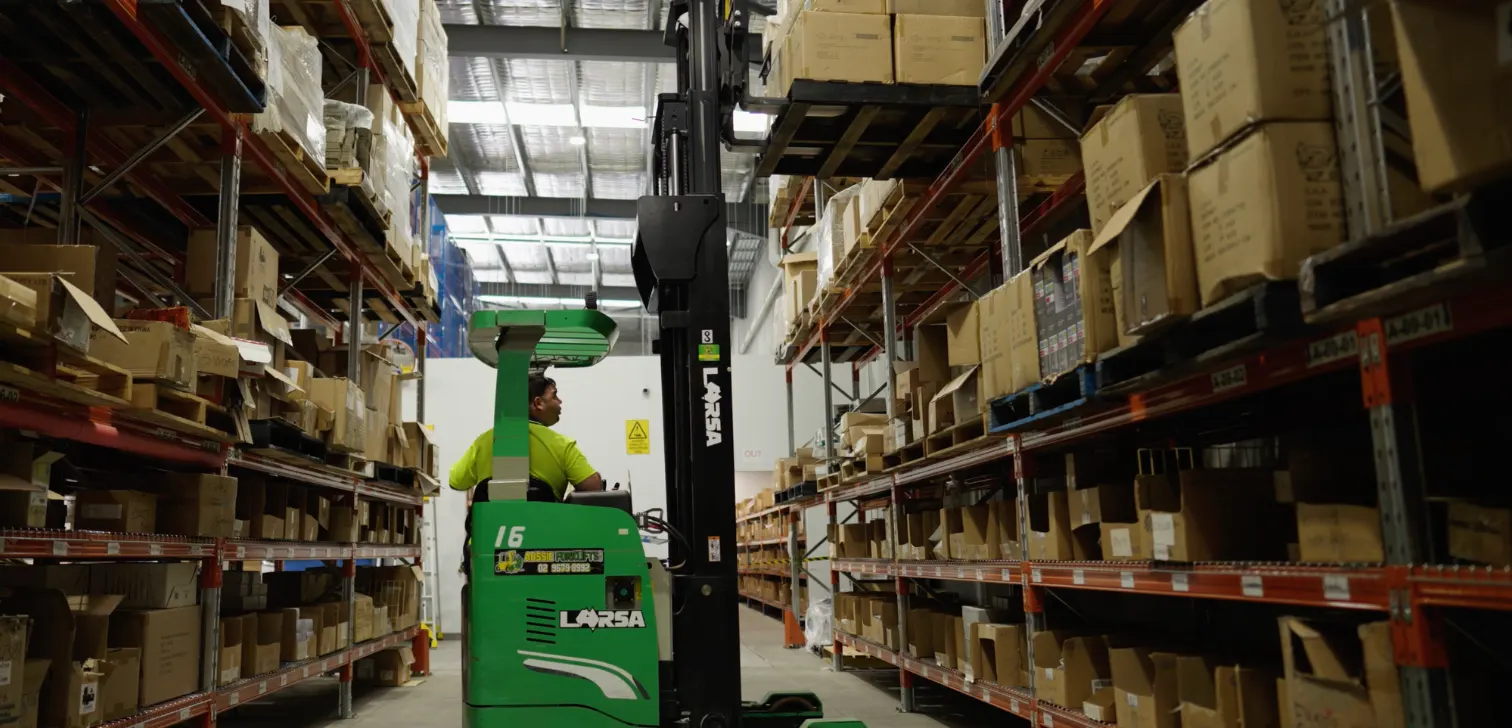
What Is Directed Putaway (and Does Your Warehouse Need It)?
This Week In Logistics: When the System Says Forty and the Shelf Says Twelve — How to Close the Inventory Gap, With Special Guest Gaubrielle Pritchard, Director of Product and Customer Marketing, Cin7
The CartonCloud Logistics Index 2026: See where your operation stands

Running WMS and TMS Across Multiple Sites in Australia: The Questions We Answered at MegaTrans 2026
CartonCloud Feature Spotlight: July–September 2026
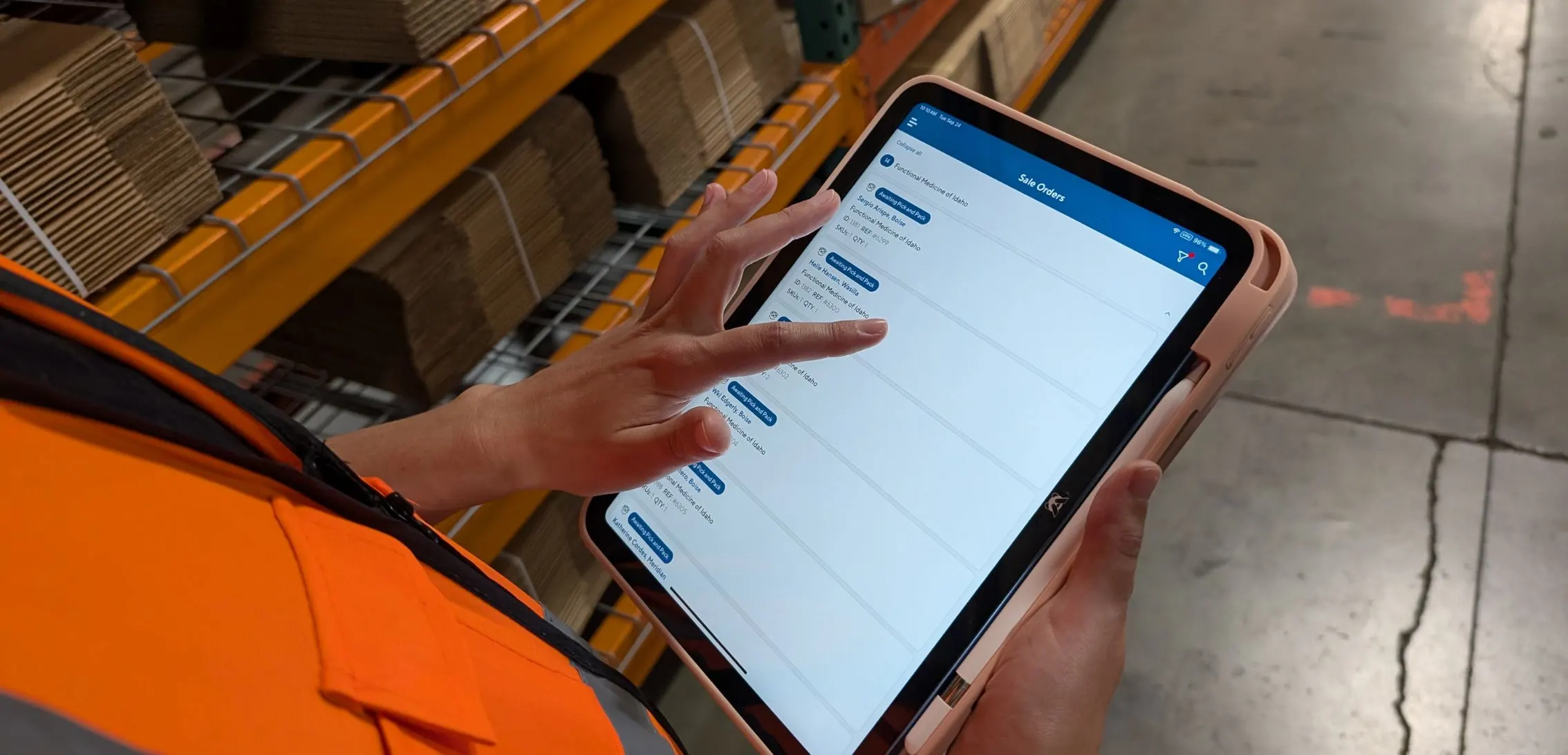
Deposco Alternatives: What Growing 3PLs Should Consider
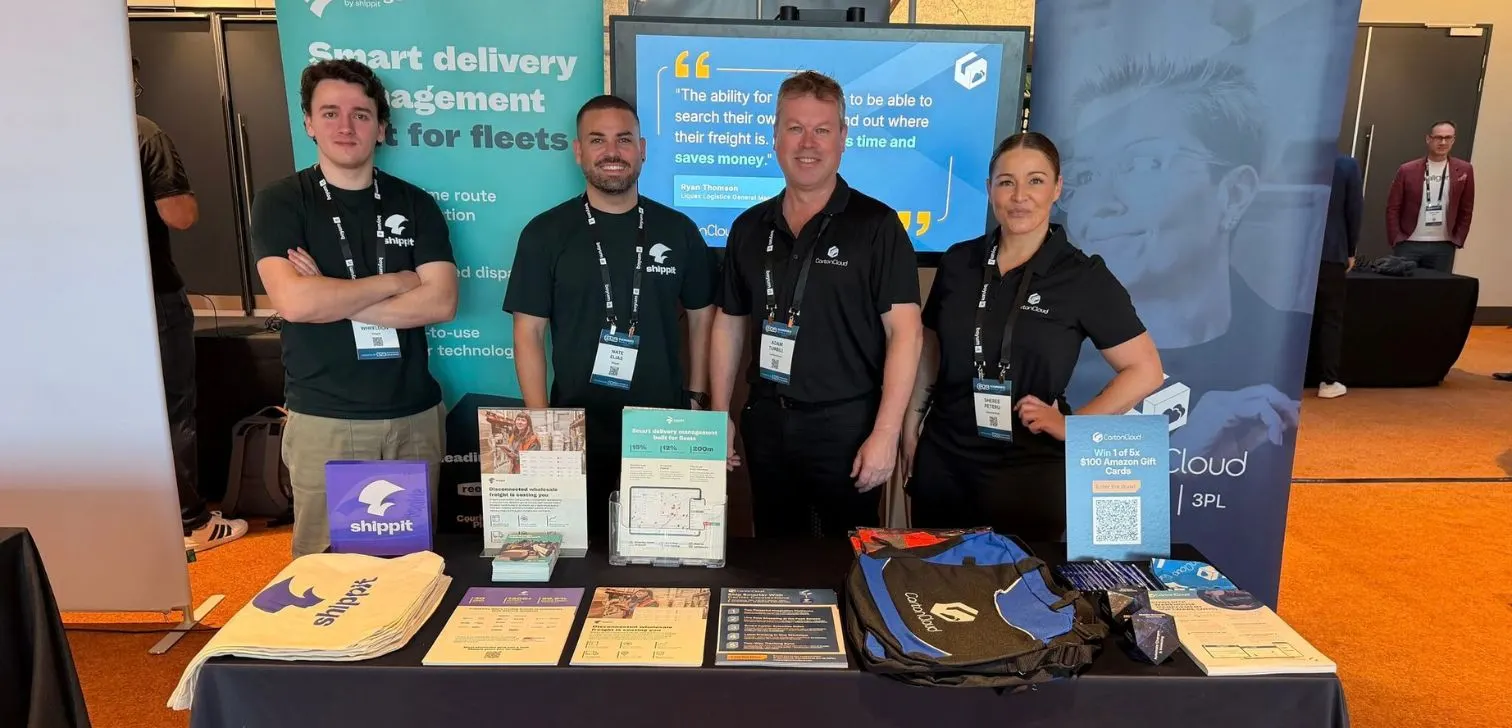
What We Heard at B2B World APAC: Large Brands Want Delivery Visibility, Not Just Warehouse Visibility
The Fastest WMS to Implement for E-Commerce Fulfillment 3PLs in the USA
This Week in Logistics: A Cost Rule Peak — Canada's Tariffs Go Live, FedEx Guarantees Your Duties, and Peak Season Surcharges Land

What's the Best WMS for Small 3PLs That Need an Easy Setup?

CartonCloud vs Extensiv: Which Platform Delivers More for 3PLs?

Get a Free, Honest Read on Your Operation, in About Two Minutes

How to Implement a WMS in Your Small 3PL Business: A Practical Guide
This Week in Logistics: Multiple Warehouses, Multiple States, One Standard — How HD Warehousing Does It, With Special Guest Chad Hildebrandt, Owner & COO
August 2026: New Feature Round-Up