3PL Software Find the Best Fit for Your Business
A practical, 5-step framework for choosing 3PL software that actually fits your operation, from a CartonCloud sales lead who walks US 3PLs through this decision every week.
Published:
July 6, 2026

TABLE OF CONTENTS
The best 3PL software for your business is the one that matches the services you run, the integrations your clients need, and the growth you are planning for. Start by mapping your own operation, then compare providers on features, integrations, implementation time, pricing, and local support. These five steps make that comparison straightforward.
TL;DR (the short version)
- Step 1: List the services you actually run, so the system fits your workflows
- Step 2: Map what your clients need from you (ordering, tracking, reporting)
- Step 3: Define the clients you want to win next, and choose software that can support them
- Step 4: Weigh implementation time and pricing model against your budget and ROI timeline
- Step 5: Confirm the provider offers local, knowledgeable support
- Then sanity-check reviews, integrations, and customization before you commit
I'm Ryan Hwang, Sales Manager for North America at CartonCloud. I spend most of my week on calls with US and Canadian 3PLs who are comparing warehouse and transport software, helping them find the right fit for their operations.
The operators who choose well almost always do the same thing first: they get clear on their own operation before they sit through a single demo. These are the five steps I walk them through.
Logistics software keeps getting more specialized, with niche tools for nearly every service and operation. The right 3PL software helps you scale, win new business, and cut overhead. The wrong fit slows you down. So how do you tell providers apart? It starts with you.
How do you find the best 3PL software provider?
There are a lot of 3PL software providers, each with different features, costs, setup requirements, support, and limits. Before you compare any of them, get clear on your own operation. These five steps do that.
Step 1: List the services you actually run
Write down every service and workflow your business handles: e-commerce pick and pack, bulk commodities, chilled or frozen freight with temperature zones, cross-docking and transloading, de-stuffing, custom packaging, and anything else. Each of these needs specific features to run well, so the list tells you what your software has to support on day one.
Step 2: Map what your clients need from you
Now look at it from your clients' side. They may need online ordering integrations, order tracking, inventory reporting with low-stock alerts, return-to-sender workflows, or a connection into their own ERP. Their requirements often decide which platform fits, so capture them before you shortlist.
At Drink Distribution, clients can see every step — from the moment stock arrives in the warehouse to the final signed delivery.
"They can see when it comes into the warehouse. They can see when the product gets picked. They can see when it gets packed. They can see when it gets on the truck and they can see exactly when it was signed for." — Dave Dallin, General Manager, Drink Distribution
Step 3: Define the clients you want to win next
Think about the ideal clients you are chasing, not just the ones you have. Your 3PL software should give you the tools to win that business and scale into it. If you want to land larger e-commerce or retail-supply clients, make sure the system can already handle their volume and integration needs. Check out this webinar on how to unlock new revenue with e-commerce where our team breaks down how you can offer e-com fulfillment alongside your B2B operation using CartonCloud (we also have this free handy e-book that goes over everything you need to easily offer e-com in greater detail).
Step 4: Weigh implementation time + pricing against your budget
Cost and implementation timelines are where providers differ most. A long, expensive rollout delays your return on investment. Look for a pricing model that fits how you grow. CartonCloud uses usage-based pricing built for growing 3PLs, with fast implementation so the system starts paying for itself sooner rather than later.
“When we started this process — it was dire [to get to live]. We started moving pretty fast after the first call. [CartonCloud] filled in all the gaps [we] were missing.” — Alex Mathis, Production Director, C&C Warehouse
Step 5: Confirm you get dedicated, local support
3PL software is the backbone of your business. When you have a question, you need a real answer from a team that understands your operation. Confirm the provider offers local onboarding and support, and that your team can learn the system without a long ramp. Local support is the difference between a quick fix and a stalled day.
What do real 3PL software reviews tell you?
Nothing moves faster in this industry than word of mouth. Real reviews, from people running the software day to day, are some of the most useful input you will get. Check Google Reviews and sites like Capterra and G2, and weigh that feedback against your requirements list from the steps above. For a deeper read on what buyers ask before they commit, see our CartonCloud reviews and pricing breakdown. If you are still deciding between system types, our guide to ERP, inventory or WMS clears that up.
Which 3PL software integrations should you check for?
Integrations are where a lot of the daily time savings come from, so confirm your provider supports the ones you need. The common ones for US 3PLs are:
- E-commerce platforms: Shopify and Amazon, so orders flow straight into your WMS. See the e-commerce platform integrations.
- Accounting software: QuickBooks and Xero, so invoices push through automatically. See the accounting software integrations.
- Carriers and shipping: so labels and tracking are handled without re-keying.
If you want to understand how the data actually moves between systems, our explainer on how 3PL integration works walks through it. The full library lives on the integrations page.
How much customization should 3PL software give you?
When you run a 3PL on behalf of dozens or hundreds of clients, you need to tailor the system to each one. Look for:
- Per-client rate cards and automated invoicing on every touch point: receiving, inspection, putaway, picking, packing, and dispatch.
- Customizable stock reporting, workflows, and data capture, because no two clients' inventory looks the same.
- Picking allocation rules that match how your warehouse actually works.
- Customizable documents and labels, such as consignments, delivery notes, and shipping labels.
That flexibility is often what decides whether you can win and keep a client.
Why does local support + training matter so much?
How you work with your provider matters as much as the feature list. You want a team with real logistics experience, available for local onboarding and ongoing support. A good signal is who is already on the platform: recognizable operators usually mean the support and product hold up. CartonCloud backs new customers with a self-serve Knowledge Base, local onboarding, and a local US and Canada support team, so your operation is set up correctly from the start.
What this means for operators
Choosing 3PL software is less about finding the platform with the longest feature list and more about finding the one that fits your services, your clients, and your growth plan. Do the five steps first. The shortlist gets much shorter once you know exactly what you need it to do.
The fastest way to test a shortlist is to see your own workflows inside the platform. Book a free demo and we will map your services, clients, and integrations into CartonCloud so you can judge the fit directly.
Updated Julyu 2026.
FAQ
Q: How do I choose the best 3PL software for my business?
A: Choosing the best 3PL software starts with mapping your own operation: the services you run, what your clients need, and the clients you want to win. Then compare providers on features, integrations, implementation time, pricing, and local support. The right fit matches your workflows, not just a generic feature checklist.
Q: We're a growing 3PL comparing software options. What should we look at first?
A: Look at your own services and your clients' requirements first, before any demo. Knowing whether you need temperature zones, cross-docking, e-commerce integrations, or per-client billing tells you which platforms can actually run your operation. That single step removes most of the options and saves weeks of evaluation.
Q: Which 3PL software integrates with Shopify and QuickBooks?
A: CartonCloud integrates with Shopify and WooCommerce for e-commerce orders, and with QuickBooks and Xero for automated invoicing, plus carrier and shipping platforms. These connections pull orders into your WMS and push invoices out without manual re-keying, which is where most growing 3PLs recover the largest share of admin time.
Q: What's the easiest 3PL software for a small team to set up?
A: The easiest 3PL software for a small team is cloud-based, mobile-first, and supported by guided onboarding. CartonCloud gets most 3PLs live in days or weeks, not months, with mobile apps your team learns in hours and a local support team to help configure your workflows during setup.
Q: How is 3PL software priced?
A: 3PL software is priced either on fixed licenses or on usage. Usage-based pricing, like CartonCloud's, scales with your activity, so costs track your growth instead of jumping every time you add a client. Ask each provider how pricing changes as you add clients, volume, and warehouses before you commit.
Explore the resource hub
Tips, tools, downloadable guides and stories from logistics teams who are working smarter.
This Week in Logistics: A Cost Rule Peak — Canada's Tariffs Go Live, FedEx Guarantees Your Duties, and Peak Season Surcharges Land

What's the Best WMS for Small 3PLs That Need an Easy Setup?

CartonCloud vs Extensiv: Which Platform Delivers More for 3PLs?

Get a Free, Honest Read on Your Operation, in About Two Minutes

How to Implement a WMS in Your Small 3PL Business: A Practical Guide
.webp)
This Week in Logistics: Multiple Warehouses, Multiple States, One Standard — How HD Warehousing Does It, With Special Guest Chad Hildebrandt, Owner & COO
August 2026: New Feature Round-Up

Warehouse Software for Cold Storage, Food, and Temperature-Controlled Logistics
This Week in Logistics: Season 2 Returns — US-Canada Tariffs, Oil Volatility, and Panama Canal Cuts All at Once
.webp)
How Do You Know You've Outgrown Basic Warehouse Systems? 7 Signs for Growing US 3PLs
.webp)
CartonCloud Named a 2026 "Great Supply Chain Partner" by SupplyChainBrain
.webp)
Dock Management: How We Built Visibility Into Every Delivery
.webp)
July 2026 — New Feature Round-up

What US 3PL Operators Really Say About Switching From Slow, Complex WMS Alternatives

CartonCloud vs Competitors: An Honest Comparison from an Implementation Specialist
.webp)
Running Multiple Sites from One WMS System: How HD Warehousing Scaled Without the Complexity
.webp)
This Week in Logistics: The Operator Playbook
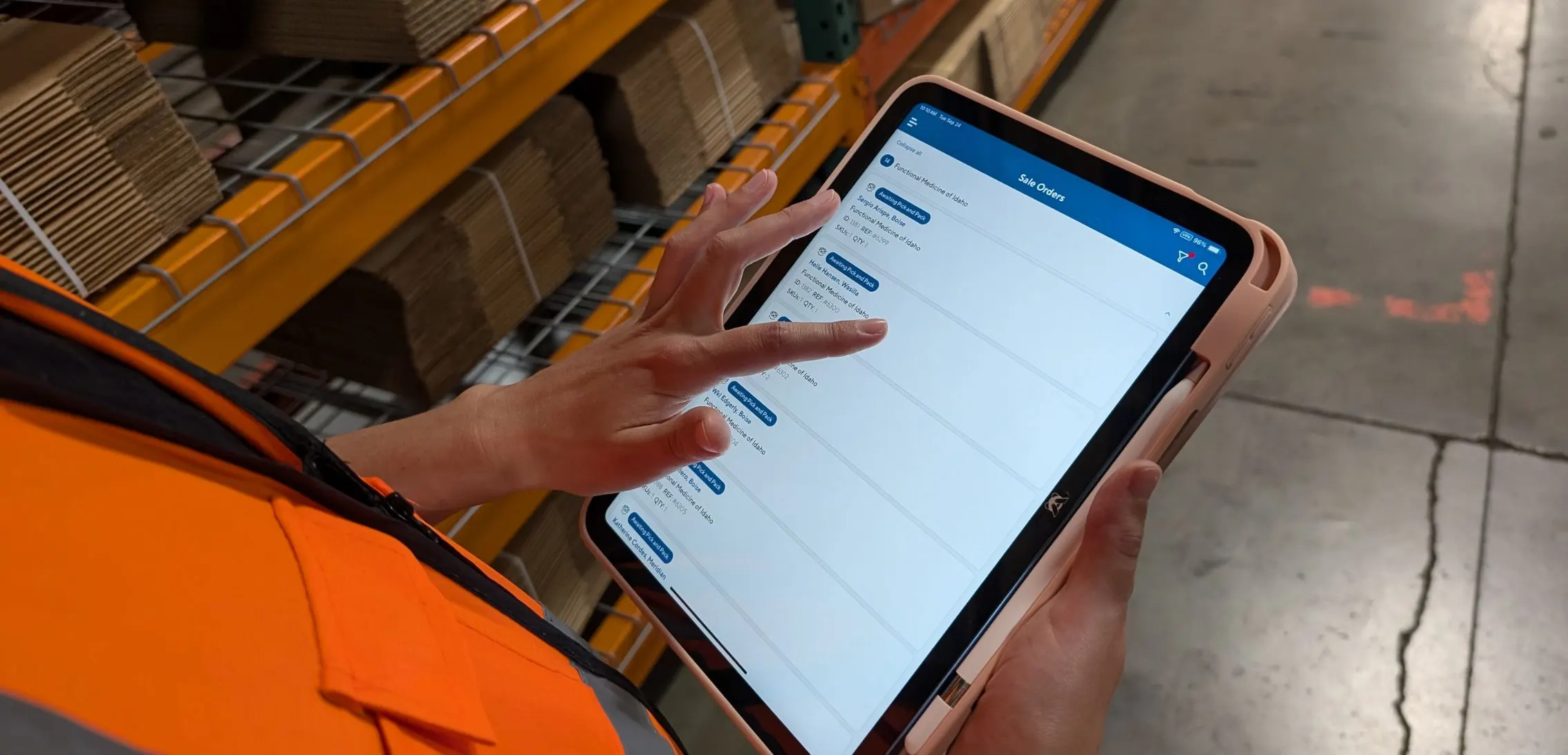
Deposco Alternatives: What Growing 3PLs Should Consider
CartonCloud Feature Spotlight: April-June 2026
.webp)
3PL Software Pricing: What You're Actually Paying For (And How to Compare It)