004 Vincent's Onsite Tips - Consignment Errors
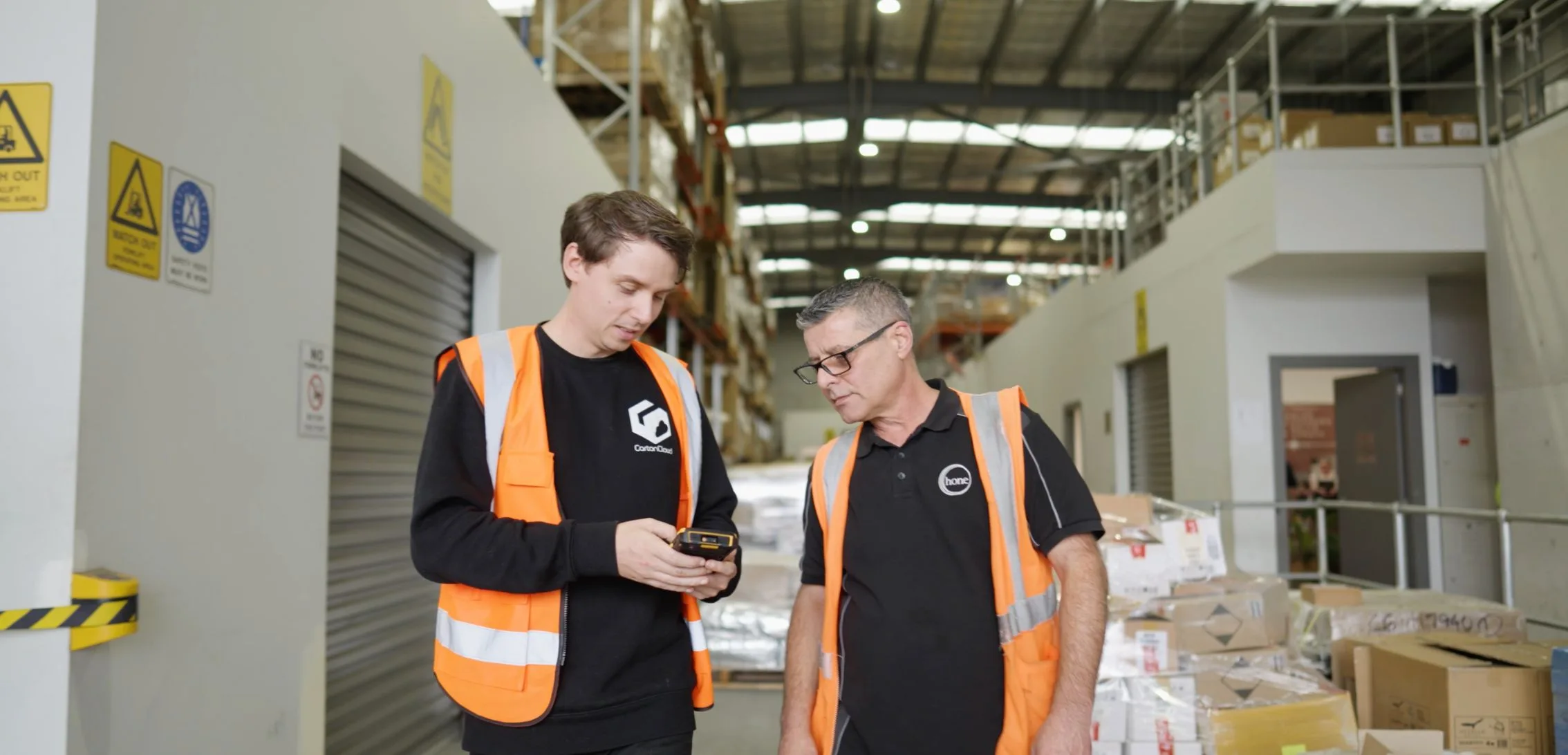
Vincent is onsite with one of our refrigerated courier clients to run you through how the consignment error process works in the CartonCloud mobile app.
Published:
June 1, 2021

TABLE OF CONTENTS
Vincent, our CEO, is onsite with one of our high-volume refrigerated courier companies, Way To Go Refrigerated Couriers, to run you through a great tip on how the consignment error process works in the CartonCloud mobile app.
To learn more about CartonCloud's return to sender functionality visit our Knowledge Base article here
Video Transcription.
Hey guys, Vincent here from CartonCloud. I'm over in Perth with one of our clients, Way To Go Refrigerated. I just wanted to take you through the consignment error process in CartonCloud. This is generally used by either a driver out in the field, or somebody in the warehouse, to easily take photos of damaged stock, or any error really, record it into the system, and then send that straight through to your customer. I'm going to show you through that process now.
What we've got here is a damaged box, and this box has actually come in damaged when it was dropped off for delivery. So you can see the corners are all torn up, and we want to let the client know that this has occurred. I've got Brian here with me who works with Way To Go, and he's going to show you the process of how you can either do this in your warehouse or out on the field to record that consignment error.
We've gone into the consignment itself and what we're going to do is rather than record a POD, we're going to go straight to lodge error. Now we can do this because we're not delivering anything from this consignment. This whole consignment is just a single carton and so when it brings up "Are you delivering anything from this consignment?" We're going to select “No”. This brings up the lodge error screen so that we can select the error type. And in this case, we're going to choose damaged goods. We go into the damaged goods and what we can do here is record how many items we have damaged. So in this case, it's one of one. We can then put in the description and then you can actually take a photo of the stock, and you can take up to six photos. If you need it to record any ad hoc charges, then you can do that using the checkbox at the bottom of the form. But in this case, we're just going to press save error.
That then saves the Consignment Error into the system. And now this particular job has actually been highlighted purple. And the reason why we do that is that if a driver is out in the field and they have damaged stock on board, they know that they've probably got damaged stock they need to return back to the warehouse and bring back before they go home. So it's just a reminder.
From the web app, what we're going to do now is actually going to that same consignment error that we just lodged, and we're going to send it off to the customer so that they have a notification that the error occurred. It's really easy, what you do is you go into transport, and then click on the unresolved consignment errors. Straightaway that brings up any errors that you haven't yet dealt with. So when an error is resolved, it basically disappears off that screen. And that's an easy way for you to keep track of what you have and haven't dealt with yet, because you can have these coming in from drivers out in the field.
So we're going to go into this error now, we click into it, it's damaged goods. If we need to look at anything, we can click on the “Photos” tab. It brings through the photo and we can see all the information that the person recorded out in the warehouse. We can see that it's got comments saying it was received damaged. And then it's really just as simple as clicking email to the customer. Click on that. It asks you which consignment you want to send through. So you click on the email option and it brings up the dialogue box. From here, you can customize the email however you want. We have templates that you can change. You've got the photos down at the bottom. If you want to send them or not send them, you can click or unclick them. By default, we have all the photographs highlighted so that they're going to send. And the email address at the top. Now, you can configure email addresses to get automatically loaded into that box. So when you first load the screen, they just populate straight in there, or you can just leave it empty and type it in every time.
Simple as that. And down at the bottom, we've got a couple of options. Do you want a history of the consignment error that was sent to the customer, which is really important so you can actually see that on this date and this time you notified them of the error. And also do you want to update the status of this error to “Awaiting customer response?” and that basically then just marks it off so that you know I've sent this, I'm waiting for them to come back to me, letting me know what to do. And once they do, I can go ahead and resolve the error. So super simple process used by a lot of our clients out in the field. It really helps them streamline their operations because they're not having to call up the office and say, "Hey, I've just had this problem. What do I do, blah, blah, blah." They can just take a photo out in the field, send it back. They can deal with it. Everything's handled, done.
Just another one of Vincent's Onsite Tips.
Explore the resource hub
Tips, tools, downloadable guides and stories from logistics teams who are working smarter.

This Week in Logistics: A Cost Rule Peak — Canada's Tariffs Go Live, FedEx Guarantees Your Duties, and Peak Season Surcharges Land
What's the Best WMS for Small 3PLs That Need an Easy Setup?
CartonCloud vs Extensiv: Which Platform Delivers More for 3PLs?

Get a Free, Honest Read on Your Operation, in About Two Minutes

How to Implement a WMS in Your Small 3PL Business: A Practical Guide
.webp)
This Week in Logistics: Multiple Warehouses, Multiple States, One Standard — How HD Warehousing Does It, With Special Guest Chad Hildebrandt, Owner & COO

August 2026: New Feature Round-Up
Warehouse Software for Cold Storage, Food, and Temperature-Controlled Logistics

This Week in Logistics: Season 2 Returns — US-Canada Tariffs, Oil Volatility, and Panama Canal Cuts All at Once
.webp)
How Do You Know You've Outgrown Basic Warehouse Systems? 7 Signs for Growing US 3PLs
.webp)
CartonCloud Named a 2026 "Great Supply Chain Partner" by SupplyChainBrain
.webp)
Dock Management: How We Built Visibility Into Every Delivery
.webp)
July 2026 — New Feature Round-up

What US 3PL Operators Really Say About Switching From Slow, Complex WMS Alternatives
CartonCloud vs Competitors: An Honest Comparison from an Implementation Specialist
.webp)
Running Multiple Sites from One WMS System: How HD Warehousing Scaled Without the Complexity
.webp)
This Week in Logistics: The Operator Playbook
Deposco Alternatives: What Growing 3PLs Should Consider

CartonCloud Feature Spotlight: April-June 2026
.webp)
3PL Software Pricing: What You're Actually Paying For (And How to Compare It)