How to Scan Barcodes in Your Warehouse Using Any Mobile Device!
Learn how to scan barcodes in your warehouse using your mobile device for iOS or Android with CartonCloud's WMS mobile app.
Published:
September 11, 2025
.jpeg)
TABLE OF CONTENTS
What if the number one tool for warehouse accuracy was already tucked away in your back pocket? That’s right — your everyday smartphone isn’t just for calls, memes, or checking emails. It also doubles as a powerful barcode scanner!
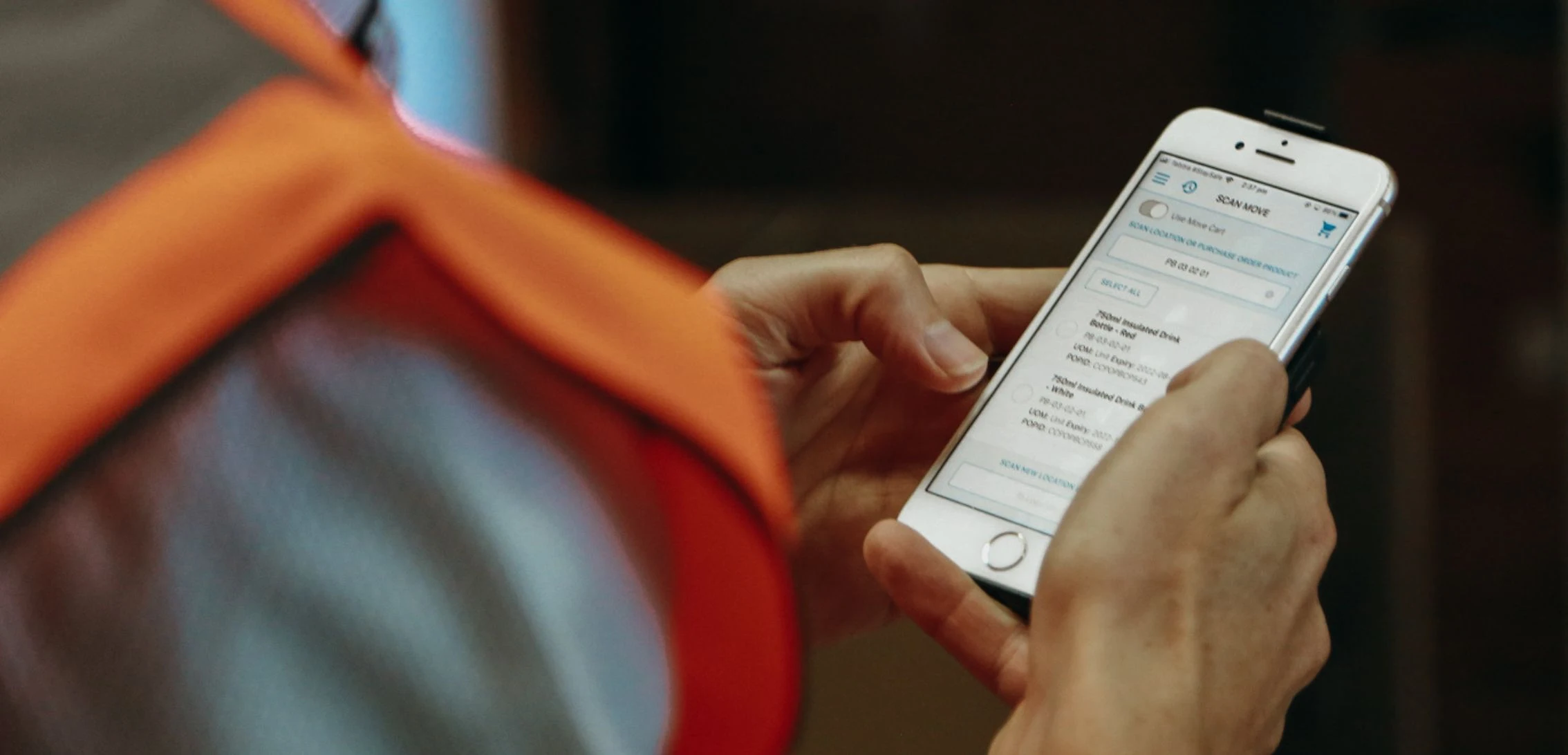
In just a few taps, you can turn any iOS or Android device into a high-speed scanner, allowing your team to receive, pick, and track stock instantly from anywhere on the warehouse floor.
TL;DR? In this guide, we will break down how you can unlock the full power of your mobile devices for barcode scanning using CartonCloud’s mobile app.
Q: Can I use any phone as a barcode scanner?
A: Yes! You can use any phone for mobile barcode scanning when you install a WMS mobile barcode scanner app like CartonCloud. Simply pair your device to a Bluetooth barcode scanner, and you’re ready to start capturing barcodes instantly.
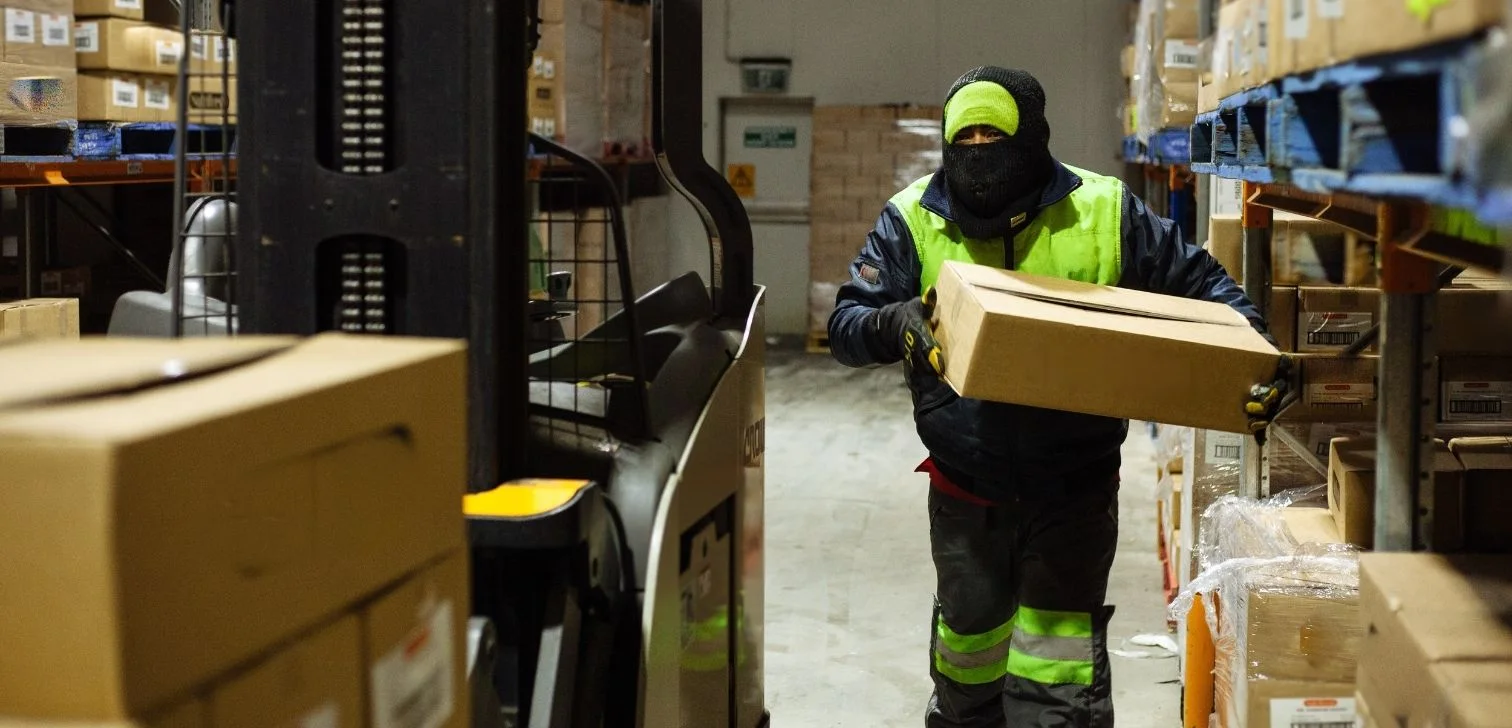
For specialized environments — such as cold storage or freezers — many warehouses use rugged Android devices which are designed to withstand extreme temperatures and condensation, making them ideal for cold storage and freezer applications.
This flexibility means your team can scan on the go, anywhere in your warehouse — even in chilled or frozen areas.
Q: What’s the difference between barcode scanning on iOS vs Android systems?
A: There’s really no difference with CartonCloud’s mobile app! Whether your team prefers to barcode scan on iOS or needs a dependable barcode scanner for Android, your team can be scanning, picking, and tracking stock in just minutes.
Q: How to scan bar code with Android or iOS?
A: Scanning barcodes is easy! Simply open your CartonCloud app, point your Bluetooth scanner at the barcode, and the app will instantly capture and display all the relevant details — making scanning quick and effortless.
Q: What kind of labels can I scan with my barcode scanning app?
A: No matter what type of labels you use in your 3PL operations, CartonCloud is equipped to handle a variety of label types.
Here some common 3PL warehouse labels that you can scan with CartonCloud:
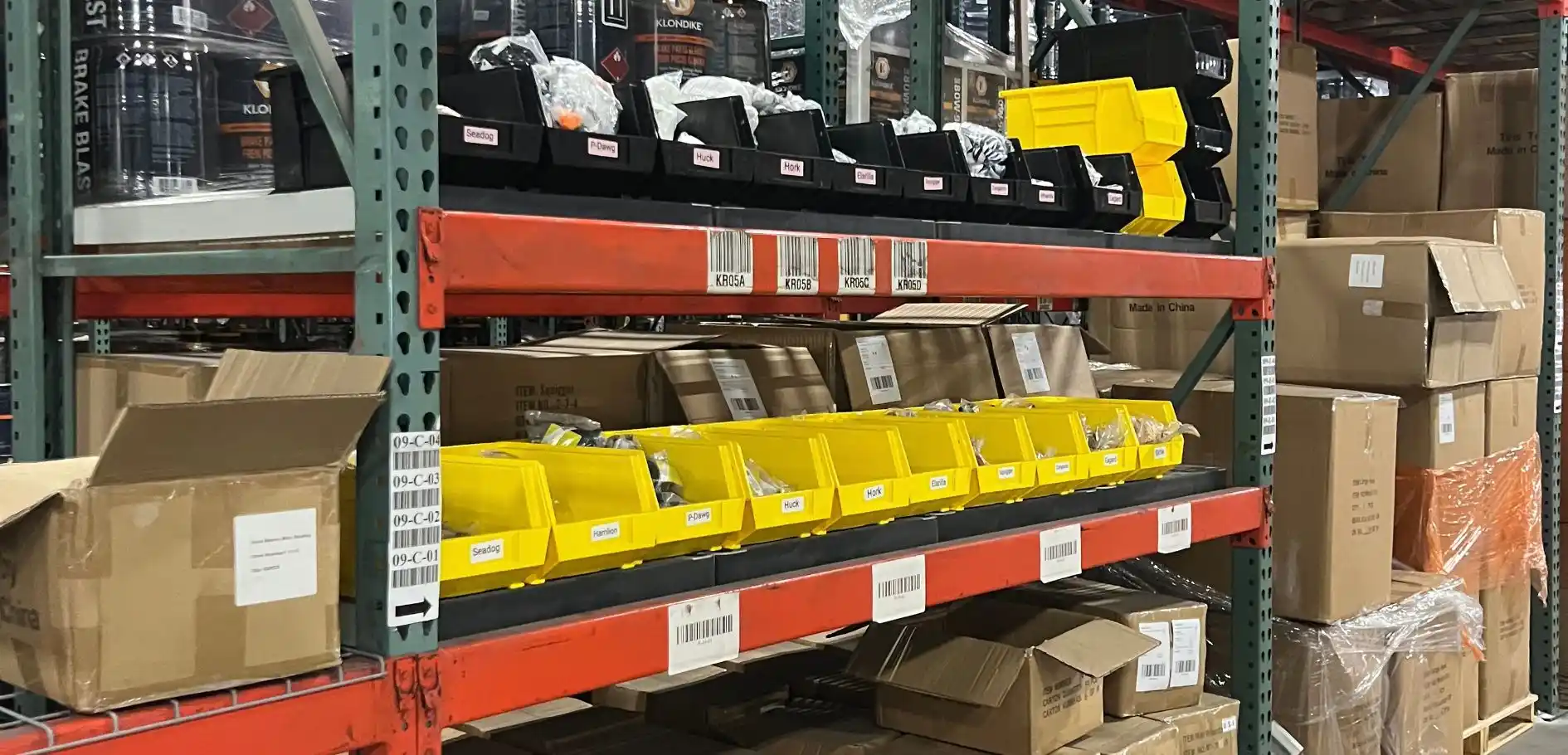
- Warehouse location barcodes - Quickly identify and scan racking, aisles, bins, and cross-dock zones to pinpoint and confirm storage locations.
- Pallet barcodes - Scan and track entire pallets as they move through the warehouse, making bulk storage and transfers easy to manage.
- Product or SKU barcodes - Instantly identify individual items, SKUs, or batches for picking and put-away.
- Serial number barcodes - Essential for products that require full traceability, such as electronics, pharmaceuticals, or goods with batch and expiry information.
- SSCC (Serial Shipping Container Code) barcodes - Used for tracking pallets, cartons, or shipments throughout the entire supply chain.
Find out more about what you need to know about barcode labeling here.
Q: What are the benefits of using a scan a barcode app in the warehouse?
A: Using a barcode scanning app can bring a number of key benefits to your warehouse operations, including:
- Reducing warehouse error margins - Scanning barcodes takes manual data entry out of the equation, which means you can ensure every item that’s picked, packed, or dispatched is always correct.
- End-to-end warehouse management - Every scan syncs live with your WMS in real time, giving you complete visibility and control over your entire warehouse — all from a single app.
Step 1: Download Your Barcode Scanning App
It’s never been easier to barcode scan with your phone in the warehouse! Start by downloading CartonCloud’s mobile app for iOS or Android and then connect your device to a handheld Bluetooth scanner. It’s that simple.
Step 2: Create Your Barcode Labels
You can’t scan what isn’t labeled! Before you start scanning, make sure every stock item, storage location, and pallet has a clear, scannable barcode label.
At Rockstar 3PL, barcode labeling is the key to accurate put-away and inventory management from the moment stock arrives in the warehouse.
“Stock comes in and we create a purchase order for an item. We print a label — a scannable label that has all the information that we just input on the initial purchase order and [then] we allocate those to locations.
We use a handheld scanner to scan the barcode on the pallet and whoever's putting it away just goes to the location and marries it to that location.” — Jimmy Skodras, Vice President of Operations and Logistics, Rockstar 3PL
By having clear barcode labels in place, your team can confidently scan and assign items to the right location, right from the start!
“We have the locations that are already on our racks, so if there was any question of what item is in that specific location — it’s as easy as scanning that barcode, and it pops up on your CartonCloud app.” — Jimmy Skodras, Vice President of Operations and Logistics, Rockstar 3PL
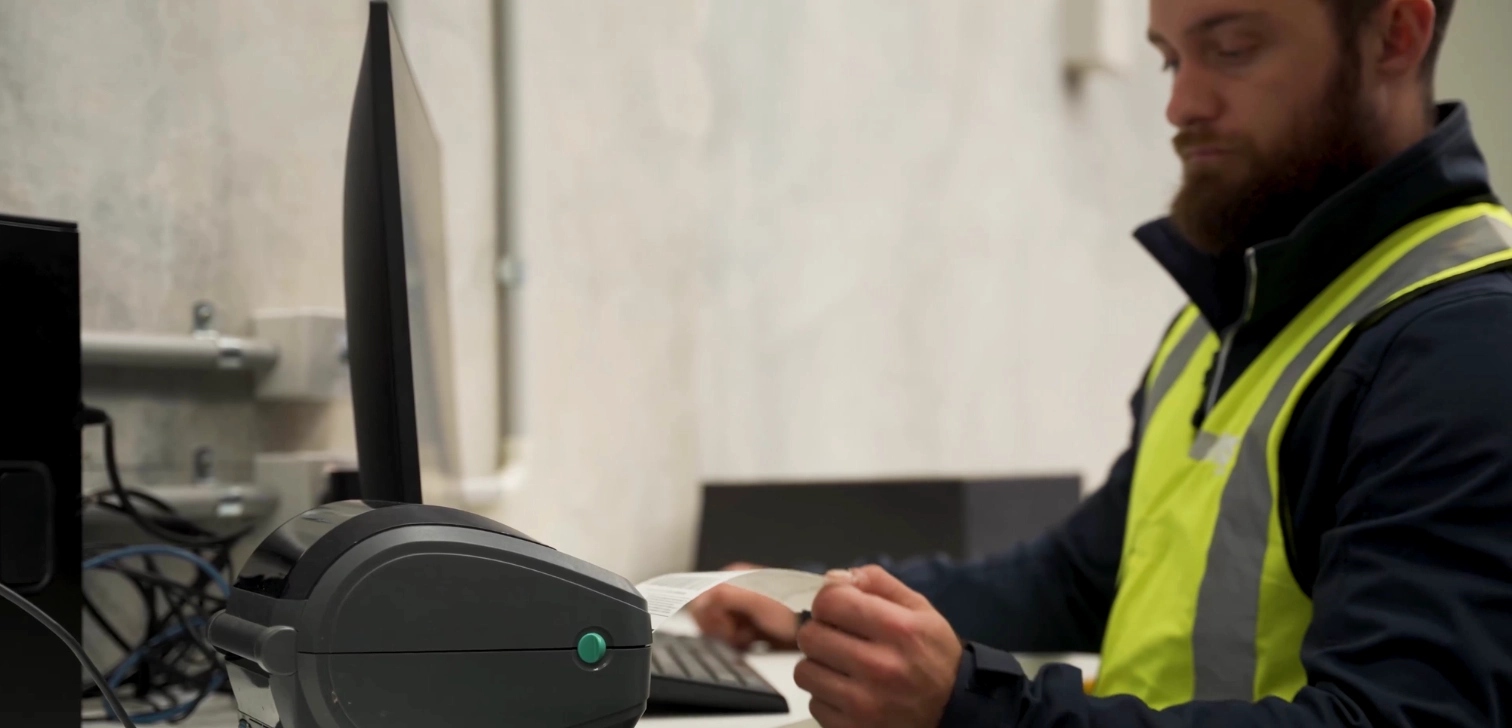
Once you have each label created, it’s time to get them printed. In CartonCloud, you can print warehouse labels on the move — simply export as a PDF, or directly print to a label printer via CartonCloud Connect.
Step 3: Start Scanning
Now you’re ready to put your barcode scanning app to work! Here’s how you can use CartonCloud’s WMS app while on the warehouse floor:
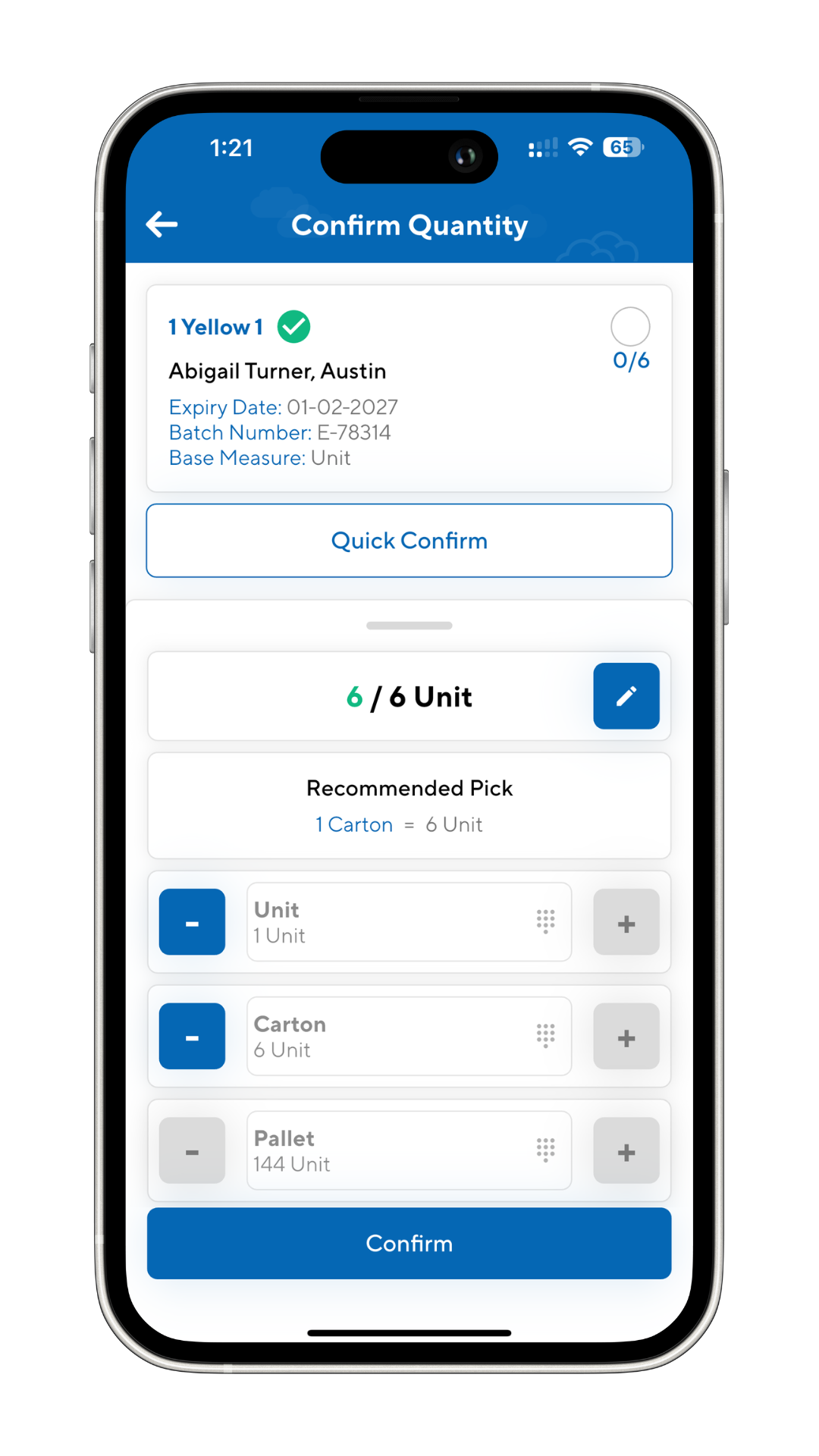
- Check in new stock on arrival — Simply scan barcodes as freight comes in, logging details instantly in your WMS.
- Pick and pack with confidence — Scan each item as you pick, ensuring every order is spot-on before it heads out the door.
- Move and update stock locations on the go — Scan as you move inventory between bins, aisles, or pallets, while keeping your system up-to-date in real time.
- Stay on top of inventory control — Need to know what’s in a location? Scan the barcode and instantly view or update inventory records in your app.
- Make put-away a no-brainer — Assign products to storage locations on the spot by scanning a stocks location.
- Track every movement, big or small — Scan as you go, whether you’re replenishing shelves or transferring pallets, so every move is logged and nothing gets missed.
Pro Tip: Mobile barcode scanning is especially useful in e-commerce operations, where order accuracy and fulfillment speed are paramount. In picking workflows like Pick to Tote, barcode scanning allows your team to pick multiple orders at once — while confirming accuracy at every step.
Using the CartonCloud mobile app, a smartphone, and a tote trolley, your team can move efficiently through the warehouse, scanning at key intervals to ensure every item is packed into the right order:
- First, scan the item location to pull up the products required for the order.
- Then scan the item barcode to pick the correct SKU.
- Lastly, scan the tote barcode assigned to the order so the correct items are packed together.
Each scan verifies the process along the way, so there’s no need to backtrack — speeding up fulfillment and helping you get more e-commerce orders out the door, faster.
See how Vincent uses barcode scanning on a mobile phone with Pick to Tote below!
For more tips on the top scanning workflows you can use in your operations, check out our free mobile barcode scanning guide.

Key Takeaways
- A warehouse mobile app puts powerful scanning in everyone’s pocket. Using CartonCloud’s WMS mobile app, any iPhone or Android device instantly becomes a barcode scanner, allowing your team to execute a variety of workflows from anywhere on the warehouse floor.
- It’s important to label everything in your warehouse for seamless scanning and real-time updates.
- Barcode scanning streamlines receiving, put-away, picking, and inventory management — so your team works faster, avoids mistakes, and keeps operations running smoothly.
Ready to Start Scanning? Here’s Your Next Step
Book your free CartonCloud demo and see how you can unlock new 3PL growth with warehouse scanning systems.
Explore the resource hub
Tips, tools, downloadable guides and stories from logistics teams who are working smarter.

This Week in Logistics: Inside the 2026 CartonCloud Logistics Index
How to Automate Warehouse Invoicing, Rate Cards, and Reporting
WMS vs TMS: What Growing 3PLs Actually Need

5 Signs Your 3PL Needs a Warehouse Management System
.webp)
What Is Directed Putaway (and Does Your Warehouse Need It)?

This Week In Logistics: When the System Says Forty and the Shelf Says Twelve — How to Close the Inventory Gap, With Special Guest Gaubrielle Pritchard, Director of Product and Customer Marketing, Cin7
.webp)
The CartonCloud Logistics Index 2026: See where your operation stands

Running WMS and TMS Across Multiple Sites in Australia: The Questions We Answered at MegaTrans 2026
CartonCloud Feature Spotlight: July–September 2026
Deposco Alternatives: What Growing 3PLs Should Consider
What We Heard at B2B World APAC: Large Brands Want Delivery Visibility, Not Just Warehouse Visibility
The Fastest WMS to Implement for E-Commerce Fulfillment 3PLs in the USA

This Week in Logistics: A Cost Rule Peak — Canada's Tariffs Go Live, FedEx Guarantees Your Duties, and Peak Season Surcharges Land
What's the Best WMS for Small 3PLs That Need an Easy Setup?
CartonCloud vs Extensiv: Which Platform Delivers More for 3PLs?
Get a Free, Honest Read on Your Operation, in About Two Minutes
How to Implement a WMS in Your Small 3PL Business: A Practical Guide
.webp)
This Week in Logistics: Multiple Warehouses, Multiple States, One Standard — How HD Warehousing Does It, With Special Guest Chad Hildebrandt, Owner & COO

August 2026: New Feature Round-Up
Warehouse Software for Cold Storage, Food, and Temperature-Controlled Logistics