WMS Experience - What Does Good Look Like?
Not sure if your warehouse management system is actually delivering? Here's what good WMS experience looks like in practice — across accuracy, efficiency, and day-to-day ease.
Published:
June 22, 2026
.webp)
TABLE OF CONTENTS
A good WMS experience shows up in three measurable ways: your operation runs with greater accuracy, your team works more efficiently, and your day-to-day gets meaningfully easier. If your current system isn't delivering on all three, it's worth asking why — and what a better setup would look like.
— TL;DR — The short version
Three questions to evaluate your warehouse management system:
- Is it increasing accuracy — in picks, records, delivery, + billing?
- Is it increasing efficiency — fewer manual steps, faster throughput, less admin?
- Is it making your life easier — integrations, invoicing, data access, client visibility?
If the answer to any of these is no, your WMS is costing you more than you think.
I'm Olivia Trankina, Operations Manager for North America at CartonCloud. My work sits at the intersection of customer onboarding, day-to-day operational support, and making sure the software our customers are running is actually delivering for their businesses.
I spend a lot of my time with operators who are in mid-transition — either switching onto CartonCloud for the first time or working through the earlier stages of getting set up. And one pattern I see consistently is that the teams who get the most out of their WMS are the ones who know exactly what outcomes they should be measuring.
The truth is, a good WMS experience shows up in three pretty clear ways — and once you know what to look for, it's easy to spot where the gaps are. Here's what good actually looks like.
Does a Good WMS Experience Increase Warehouse Accuracy?
Accuracy is the foundation of a well-run warehouse. Every picking error, every mismatch between paper records and physical stock, every disputed invoice — these compound over time into real costs. A good WMS gives you the tools to stop these before they start — at the dock, on the floor, and at billing. Here's what that looks like in everyday operations.
The Right Data, Captured at the Right Moment
Capturing data is only useful if you're capturing the right data. CartonCloud's custom fields let you define exactly what gets recorded when stock arrives — batch numbers, expiry dates, condition notes, client-specific fields — so the records that follow that stock through your warehouse are complete from the start.
The Confirmation Step That Stops Errors Before They Leave the Building
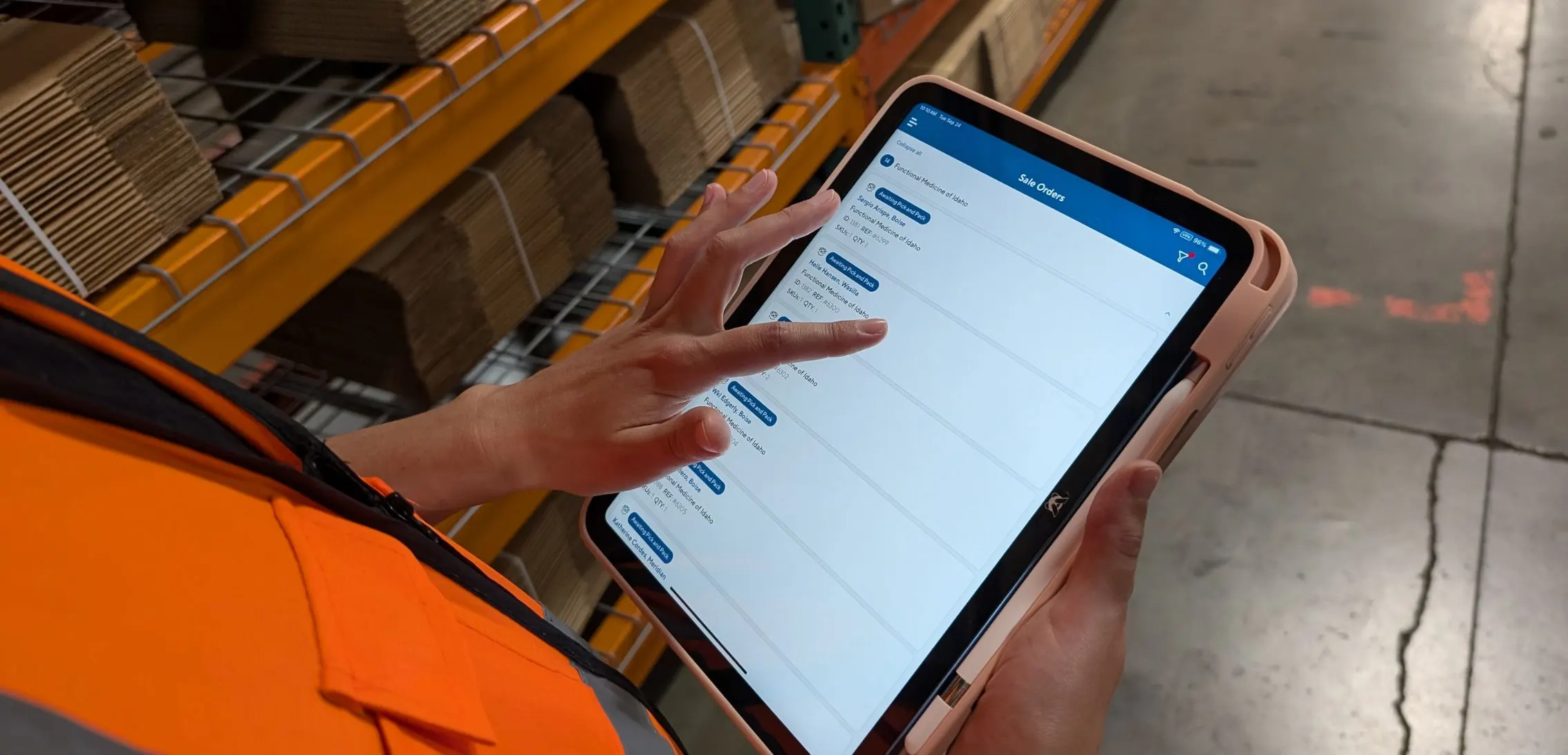
Picking inaccuracies are one of the most expensive problems in a warehouse — not just in the cost of the rework, but in what they do to client trust over time. Mobile barcode scanning builds a confirmation step into every single pick: scan the location, confirm the item, record the quantity. The floor team can't grab the wrong thing and move on — the system catches it before it becomes a problem.
"CartonCloud has been a great win for us, the amount of data entry that it has reduced is incredible and improved picking accuracy. I would recommend this program to anyone." — Caitlin Johnson, Google review
"Barcode scanning eliminates manual input, freeing up our staff to focus on operations. With barcode scanning it ensures the correct items are picked, packed, and loaded, drastically improving order accuracy and warehouse efficiency." — Jaymin C., G2 review
Does a Good WMS Experience Increase Warehouse Efficiency?
Accuracy and efficiency go hand in hand — but efficiency has its own measures. A warehouse management system that's working should be doing more of the repetitive work for your team, not adding steps. For most warehouses, the biggest efficiency gains don't come from doing things quicker — they come from eliminating the double-handling, the manual re-entry, and the workarounds that have quietly become part of the daily routine. Here's where a good WMS addresses each of them.
One Pass, Multiple Orders: How Wave Picking Changes the Floor
Wave picking condenses multiple orders by item and warehouse location, so pickers collect for several orders in a single pass rather than making individual trips per order. The result is less floor time per order, better throughput, and a pick process that scales without adding headcount.
"[Wave picking] allows one person to pick all of the items for a group of orders, and then another person to use all of those picked items to pack the actual packages. It really makes picking and packing so seamless. We can see each item that needs to go in each order, and then as we're picking them, it all gets divided out perfectly." — Cass Strunk, Founder, Core Logistic Services
Stock Reports Your Clients Can Run Themselves
For 3PLs, stock reporting is a constant operational responsibility. CartonCloud's reporting and visibility tools let you set up tailored stock reports for each client — giving them up-to-date inventory data on demand, and your team access to historical stock movement reports.
"CartonCloud has certainly taken the paperwork out of the business. It is a dynamic platform which has allowed us to increase our on-time performance and accuracy." — Sue Corkill, Google review
"It's amazing how much CartonCloud is capable of. From basic stock reporting, to barcode pick and pack, to live delivery data. They are constantly updating their product to be industry leading." — Tee Jay, Google review
For a deeper look at how reducing manual admin drives efficiency gains, see How to Reduce Admin in a 3PL Operation.
Does a Good WMS Make Your Warehouse Operation Easier to Run?
The third question is the most holistic — and the one that matters most long term. Good warehouse software should be removing friction from the hardest parts of running a warehouse, not adding to them. Think about where your time actually goes in a week — chasing invoices, answering client stock queries, re-entering data between systems. A good WMS takes those off your plate. These are the tools that take care of the heavy lifting.
One System, Every Tool Connected
Your WMS doesn't run in isolation. It needs to connect to your accounting software, e-commerce platforms, transport management, and carrier tools — so data flows between systems automatically rather than getting re-entered at every step. CartonCloud's native integrations cover accounting, e-commerce, carriers, and ERP systems — managed from one place.
Invoicing That Runs Without You
Invoicing is one of the most time-consuming parts of running a 3PL — and one of the most error-prone when done manually. CartonCloud's automated billing and invoicing calculates charges based on your actual rate cards — storage, handling, dispatch, minimum charges, sliding scales — and generates invoices automatically. No manual rate entry, no missed charges, no disputes.
Data Access, Controlled by Role
Not every team member needs access to every piece of data. CartonCloud's secure user groups let you define exactly what each role can see and do — keeping sensitive client data protected and your operation running without unnecessary access risk.
The Client Portal That Stops the "Where's My Stock?" Calls
The fastest way to reduce inbound calls from clients asking for stock updates is to give them the ability to check for themselves. CartonCloud's customer portal gives each client their own login — real-time stock visibility, order status, and reporting — without any additional work from your team.
For more on what a strong feature set looks like end to end, see What Is the Best Warehouse Management Software — and Why?
What Does Good Warehouse Software Experience Look Like Over Time?
The best signal of a good WMS experience isn't how it feels in week one — it's whether it keeps improving as your operation grows. A well-built warehouse management system adds features, responds to real operational feedback, and scales with you rather than becoming a ceiling.
"I have been a long-time user of CartonCloud, over 7 years, and they continually impress me even after all these years. They are constantly updating their product to be industry leading, and they are always willing to help us when we need CartonCloud to do something out of the ordinary." — Tee Jay, Google review
The questions to ask of any warehouse management system you're evaluating — or currently running:
- Are errors going down over time, or staying flat?
- Is your team spending less time on admin each month, or the same?
- Are your clients calling you less for information, or the same amount?
- Can you add a new client or SKU range without a significant systems project?
If the answer to any of these is no, it's worth understanding why — and whether your current fulfilment software is genuinely built to grow with you.
For more on evaluating the right WMS for your size and setup, see Finding the Best WMS Software for Small Businesses. And if you're weighing the true cost of underperforming systems, see Why FREE Warehouse Management Software Can Cost You Thousands.
For independent user ratings on CartonCloud's WMS, see CartonCloud WMS — Top User Rated by Software Advice.
If you'd like to see what a good WMS experience looks like for an operation like yours, book a free demo and we'll walk through it with you.
Updated June 2026.
FAQ
Q: How do I know if my warehouse management system is actually working?
A: A well-performing WMS shows up in three ways: fewer picking and billing errors, less time on manual admin, and fewer inbound queries from clients chasing stock updates. If your team still relies on workarounds or paper processes alongside the system, the warehouse software is not delivering its full value.
Q: What does good WMS experience look like for a 3PL?
A: For a 3PL, good warehouse management system experience means accurate real-time inventory per client, automated billing that reflects your actual rate cards, a customer portal clients can use without calling you, and mobile scanning that eliminates paper-based picking errors. These four outcomes are the baseline for a well-run 3PL operation.
Q: How does mobile barcode scanning improve picking accuracy in a warehouse?
A: Mobile barcode scanning gives floor staff a confirmation step at each pick: scan the location, confirm the item, record the quantity. This eliminates the most common source of picking errors, which is selecting the wrong item or quantity from a paper pick list. Stock levels update in real time as each scan is completed.
Q: What should automated invoicing do in warehouse management software?
A: Automated invoicing should calculate charges based on your configured rate cards, including storage, handling, dispatch, and any minimum or sliding scale charges, and generate invoices without manual input. The result is faster billing cycles, fewer disputes, and significantly less time spent on rate entry at the end of each billing period.
Q: How does a WMS customer portal reduce admin work for 3PLs?
A: A WMS customer portal gives each client self-serve access to their stock levels, order status, and reports without calling or emailing your team. This reduces inbound visibility requests, gives clients confidence in your operation, and frees your staff to focus on warehouse tasks rather than answering routine data queries.
Explore the resource hub
Tips, tools, downloadable guides and stories from logistics teams who are working smarter.

This Week in Logistics: A Cost Rule Peak — Canada's Tariffs Go Live, FedEx Guarantees Your Duties, and Peak Season Surcharges Land
What's the Best WMS for Small 3PLs That Need an Easy Setup?

CartonCloud vs Extensiv: Which Platform Delivers More for 3PLs?

Get a Free, Honest Read on Your Operation, in About Two Minutes

How to Implement a WMS in Your Small 3PL Business: A Practical Guide
.webp)
This Week in Logistics: Multiple Warehouses, Multiple States, One Standard — How HD Warehousing Does It, With Special Guest Chad Hildebrandt, Owner & COO
August 2026: New Feature Round-Up
Warehouse Software for Cold Storage, Food, and Temperature-Controlled Logistics
This Week in Logistics: Season 2 Returns — US-Canada Tariffs, Oil Volatility, and Panama Canal Cuts All at Once
.webp)
How Do You Know You've Outgrown Basic Warehouse Systems? 7 Signs for Growing US 3PLs
.webp)
CartonCloud Named a 2026 "Great Supply Chain Partner" by SupplyChainBrain
.webp)
Dock Management: How We Built Visibility Into Every Delivery
.webp)
July 2026 — New Feature Round-up

What US 3PL Operators Really Say About Switching From Slow, Complex WMS Alternatives

CartonCloud vs Competitors: An Honest Comparison from an Implementation Specialist
.webp)
Running Multiple Sites from One WMS System: How HD Warehousing Scaled Without the Complexity
.webp)
This Week in Logistics: The Operator Playbook
Deposco Alternatives: What Growing 3PLs Should Consider

CartonCloud Feature Spotlight: April-June 2026
.webp)
3PL Software Pricing: What You're Actually Paying For (And How to Compare It)