Dock Management: How We Built Visibility Into Every Delivery
Dock Management brings every inbound and outbound delivery into one live schedule connected to CartonCloud, so carriers book their own slots and your floor always knows what's arriving next.
Published:
August 18, 2026
.webp)
TABLE OF CONTENTS
Dock Management is a new add-on inside CartonCloud that turns dock scheduling into a live, visible workflow. Carriers book their own delivery slots, your warehouse floor sees arrivals in real time on a dashboard, and drivers check themselves in on arrival. Bookings your team creates can be linked to the purchase order, sales order, or consignment already in CartonCloud, so there's no double-keying and no chasing the same information across separate systems.
— TL;DR — The short version
- Carriers book their own delivery slots through a link you send once — no more phone tag.
- Carriers can attach paperwork to a booking, and you can close docks or whole sites for holidays, shutdowns, and maintenance.
- A live Dock Arrivals dashboard shows your floor what's coming in and when, on any screen.
- Drivers check themselves in at the dock, and the arrival time is stamped automatically.
- Bookings can be linked to a purchase order, sales order, or consignment already in CartonCloud.
- Works for a single loading dock or multiple sites, each with its own docks and hours.
- Available now as an add-on, across all CartonCloud plans.
I'm Vincent Fletcher, Co-founder and Chief Product Officer at CartonCloud. I've spent years inside 3PL warehouses — on the floor, talking with operators, understanding their day-to-day challenges.
Almost every warehouse we work with has a dock, and there's a lot of opportunity to make the way it runs simpler. Dock Management is our answer to that — a live, connected schedule that replaces the back-and-forth with something your whole team can actually see.
The problem: dock scheduling still runs on guesswork
Here's what we kept hearing. A truck turns up and nobody radioed ahead. Someone's on the phone confirming a delivery window for the third time that morning. The office knows what's coming; the floor doesn't find out until it's already at the gate.
None of that is really a technology problem. It's a visibility problem. The information exists — it's just scattered across phone calls, inboxes, and whoever happened to take the booking.
What Dock Management actually does
Dock Management is essentially a live calendar for every dock you run, connected to the data you already have in CartonCloud.
Carriers book their own slots
Each carrier gets a booking link, once. From there, they choose a warehouse, pick an available time within your operating hours, and confirm. No back-and-forth required, and no one on your team has to pick up the phone to make it happen.
Your floor sees what's coming, live
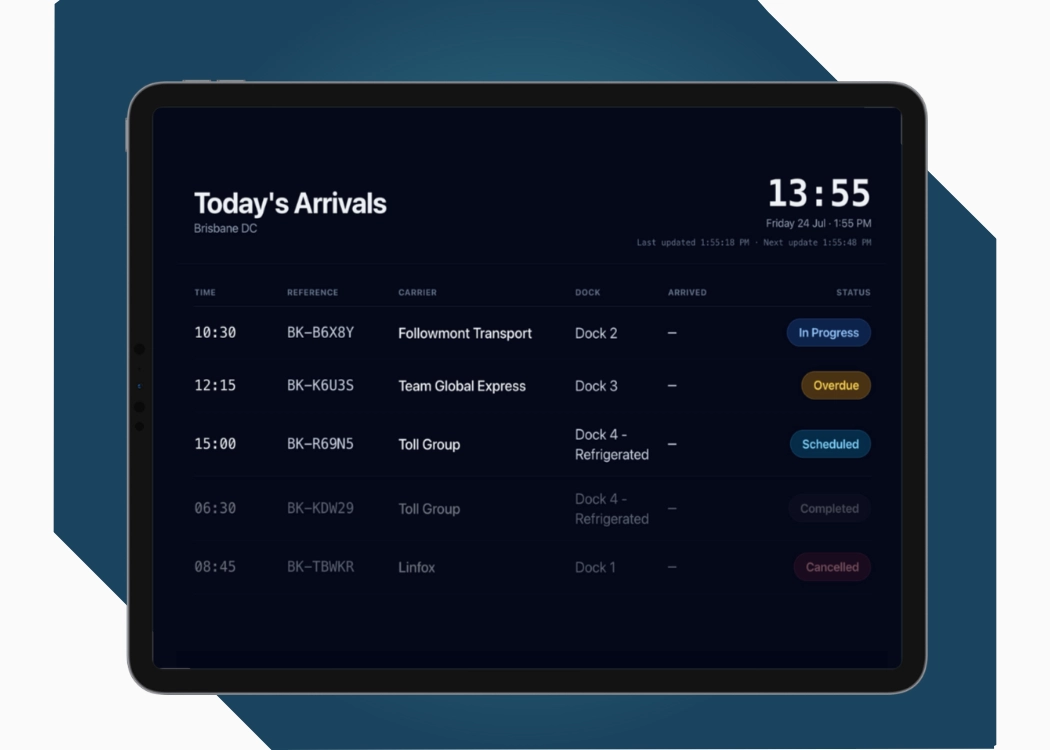
Bookings land on a calendar the moment they're made, with day and week views for planning ahead or running today. For the floor itself, there's a Live Today Board — a full-screen view of the day's bookings, ideal for a wall-mounted screen in the office or on the dock. It updates automatically as trucks check in, which means there’s no need to ask what's coming next; it's just up on the screen and accessible for a quick check-in.
Drivers check themselves in
At the gate or dock office, a driver checks in with a quick code from their booking, and the arrival time is stamped automatically as it happens — so you always know which drivers ran on time.
Connected to CartonCloud, not a separate system
This is the part that actually matters most. Dock Management isn't a bolt-on tool your team has to learn separately. Your team can search CartonCloud from inside a booking and link it straight to the purchase order, sales order, or consignment it relates to, without re-keying any of it.
In practice, what this looks like is: no double-keying, no second system to check, and no situation where the dock schedule says one thing and CartonCloud says another. It's inventory visibility extended out to the one part of the operation that's traditionally run on paper and phone calls.
Built for one dock or twenty
Whether you're running a single loading dock or a multi-site operation with docks and hours that differ site to site, Dock Management is flexible enough to handle it from one workspace. Each warehouse keeps its own docks, its own hours, and its own schedule — but it's all sitting under the one login.
Close the dock when you need to
Public holidays, site shutdowns, maintenance windows, or a dock you're holding for your own fleet. Block out the time and it comes off the schedule, so carriers can't book into a slot that was never going to work
What ChemCare is seeing already
ChemCare has been running Dock Management since our beta, and the feedback lines up with exactly what we built it to solve:
"The visibility is the standout. Every shipment links straight back to a shipment in CartonCloud, so we're not chasing the same data across multiple places anymore." — Simon Miszewski, ICT & Finance Manager, ChemCare.
That's really the whole point of the connected approach. One schedule, one source of truth, and nobody re-checking the same information in three different places.
What this means for operators
- Less phone tag: carriers book themselves in within your hours, so fewer calls land on your desk.
- A floor that isn't guessing: the Live Today Board means staff see arrivals as they happen, not after someone walks over to tell them.
- No double handling: bookings connect to orders already in CartonCloud, so nothing gets keyed in twice.
- Room to grow into it: it works the same way whether you're running one dock or several sites at once.
Dock Management is available now as an add-on, across all CartonCloud plans. If you'd like to see how it works for an operation like yours, get in touch with our team.
FAQ
Q: What is Dock Management?
A: Dock Management is a live dock schedule connected to CartonCloud. Carriers book their own slots, your floor sees arrivals in real time, and drivers check in themselves on a kiosk.
Q: How does Dock Management connect to CartonCloud?
A: Dock Management searches your live CartonCloud data from inside a booking. Your team links a booking to the purchase order, sales order, or consignment it relates to, so nothing needs to be entered twice.
Q: Do I need extra hardware to use Dock Management?
A: Extra hardware isn't required beyond a tablet or iPad at the gate or dock office for driver check-in. Everything else runs from a browser.
Q: Can Dock Management handle multiple warehouses?
A: Multiple warehouses are fully supported. Each site gets its own docks and operating hours, all managed from the one workspace.
Q: Is Dock Management available on all CartonCloud plans?
A: Dock Management is available as an add-on across all CartonCloud pricing plans. It's not part of the core package, but it works alongside whatever plan you're already on.
Q: Can I move or reschedule a booking once it's made?
A: Rescheduling a booking is straightforward using Dock Management — simply drag it to a new time or dock in a few clicks.
Explore the resource hub
Tips, tools, downloadable guides and stories from logistics teams who are working smarter.
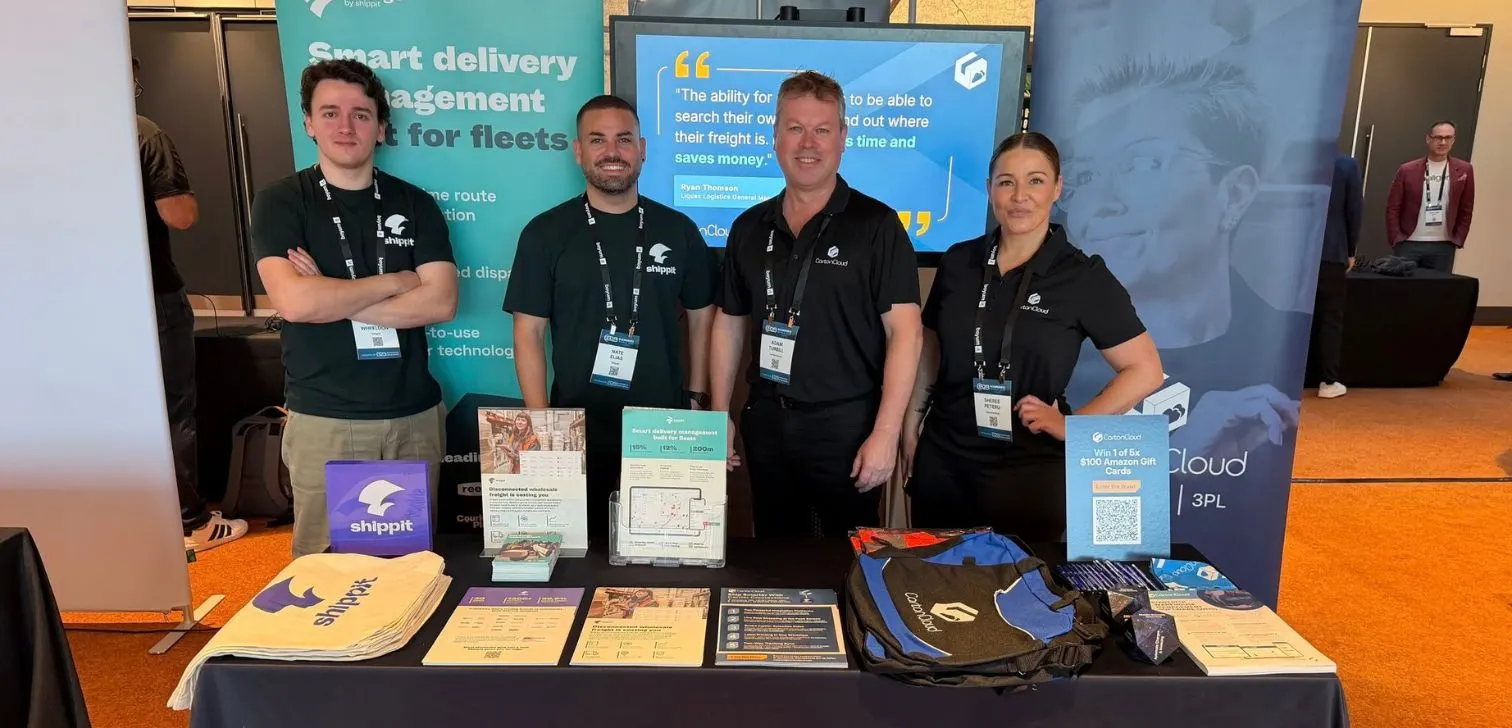
What We Heard at B2B World APAC: Large Brands Want Delivery Visibility, Not Just Warehouse Visibility
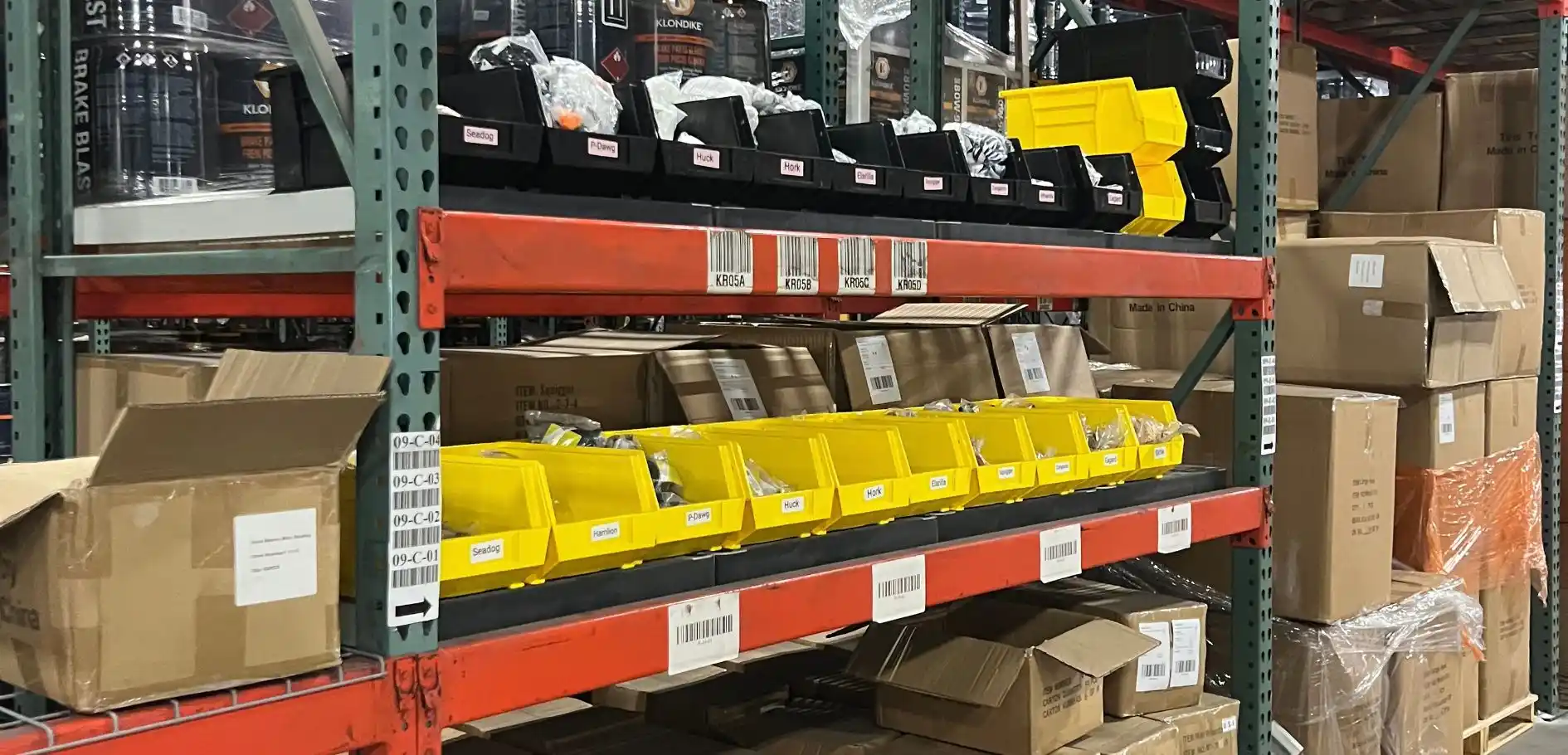
The Fastest WMS to Implement for E-Commerce Fulfillment 3PLs in the USA

This Week in Logistics: A Cost Rule Peak — Canada's Tariffs Go Live, FedEx Guarantees Your Duties, and Peak Season Surcharges Land
What's the Best WMS for Small 3PLs That Need an Easy Setup?

CartonCloud vs Extensiv: Which Platform Delivers More for 3PLs?

Get a Free, Honest Read on Your Operation, in About Two Minutes

CartonCloud’s Commitment to Security: SOC 2 Type 2 Audit Complete

How to Implement a WMS in Your Small 3PL Business: A Practical Guide
.webp)
This Week in Logistics: Multiple Warehouses, Multiple States, One Standard — How HD Warehousing Does It, With Special Guest Chad Hildebrandt, Owner & COO
August 2026: New Feature Round-Up
Warehouse Software for Cold Storage, Food, and Temperature-Controlled Logistics

This Week in Logistics: Season 2 Returns — US-Canada Tariffs, Oil Volatility, and Panama Canal Cuts All at Once
.webp)
How Do You Know You've Outgrown Basic Warehouse Systems? 7 Signs for Growing US 3PLs
.webp)
CartonCloud Named a 2026 "Great Supply Chain Partner" by SupplyChainBrain
.webp)
July 2026 — New Feature Round-up

What US 3PL Operators Really Say About Switching From Slow, Complex WMS Alternatives

CartonCloud vs Competitors: An Honest Comparison from an Implementation Specialist
.webp)
Running Multiple Sites from One WMS System: How HD Warehousing Scaled Without the Complexity
.webp)
This Week in Logistics: The Operator Playbook
Deposco Alternatives: What Growing 3PLs Should Consider