Product Update - Replenishment
Never get caught empty-handed at your pick face again! Using CartonCloud’s Replenishment feature, you can always stay one step ahead by automatically restocking fast-moving locations before they run low — ensuring your team can keep picking, packing, and shipping without any interruptions.
Published:
November 17, 2025

TABLE OF CONTENTS
Never get caught empty-handed at your pick face again!
Using CartonCloud’s Replenishment feature, you can always stay one step ahead by automatically restocking fast-moving locations before they run low — ensuring your team can keep picking, packing, and shipping without any interruptions.
TL;DR: See how growing 3PL Warehouses use CartonCloud’s Replenishment feature to keep pick face locations topped up, to reduce warehouse bottlenecks, and handle high-volume orders with ease. Our logistics experts answer common FAQs and customer questions about how to save hours on warehouse travel time, using Replenishment for pick face locations.
Q: What is Replenishment in 3PL warehousing?
A: Replenishment is a powerful warehouse automation feature in CartonCloud that allows you to keep your fast-moving inventory in easy-to-access ‘pick locations’, ready to go. Instead of letting pick faces run dry and having to scramble for stock deep in the warehouse, CartonCloud’s Replenishment feature automatically identifies when locations need topping up, generates a replenishment report, and guides your team through each move — either on-screen in the mobile app or as a printed checklist.
Set up Warehouse Replenishment in 4 easy steps
Fast, accurate high-volume fulfilment has never been easier. Implementing replenishment in your warehouse is easy! Here’s how you can set it up in CartonCloud in 4 simple steps.
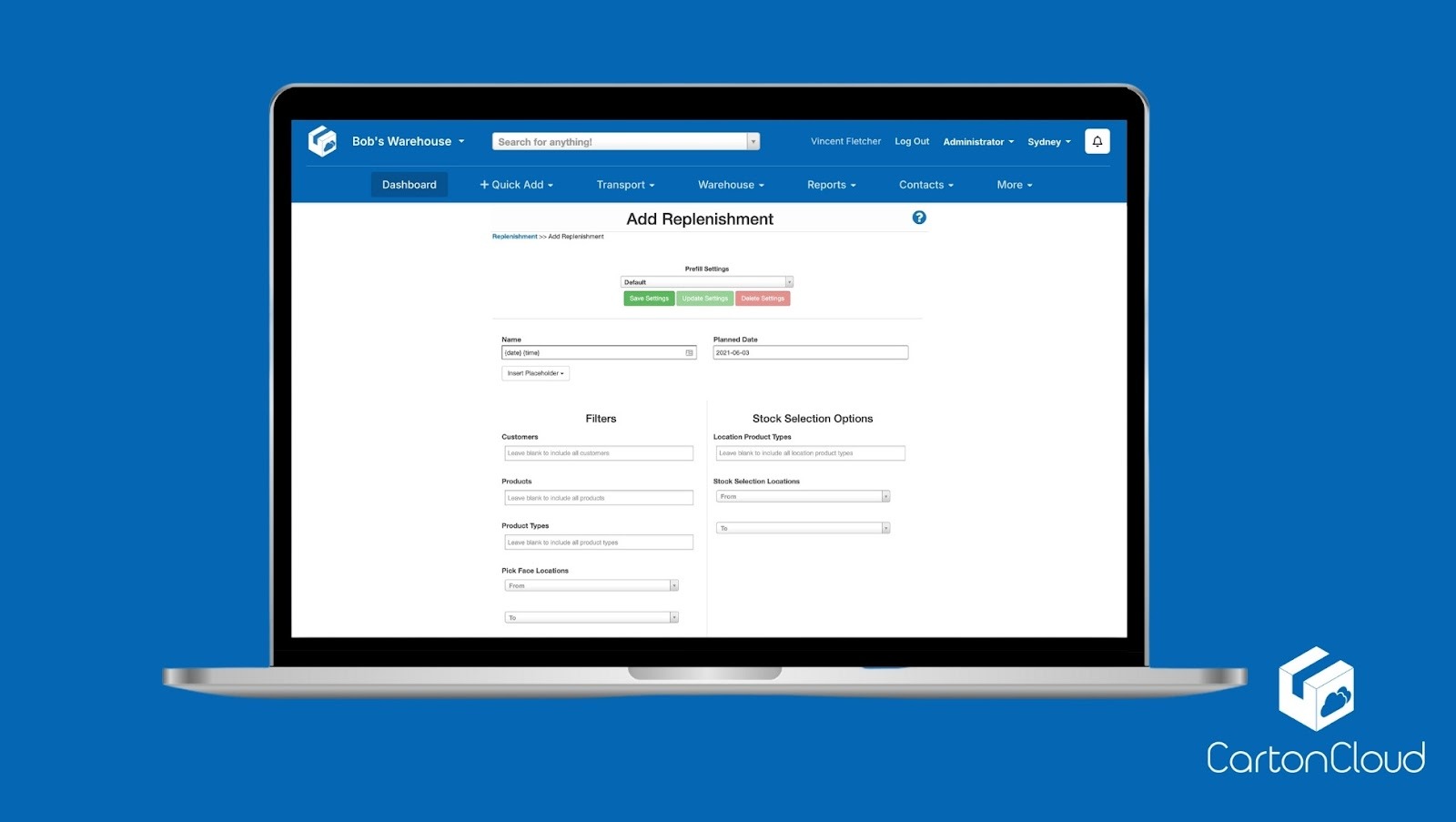
1. Set your replenishment rules. Define your replenishment logic from the Organization Settings and choose how and when the system should trigger a replenishment. You can set minimum and maximum stock thresholds, select whether to use on-hand or free stock, and even enable automated replenishment based on sale order demand.
2. Create your pick face locations. Identify your fast-moving areas and assign them as pick faces within your warehouse (these are the locations your team will pick from most frequently, so keeping them stocked is key to maintaining a smooth order flow!).
3. Configure product-level settings. Now it’s time to customize replenishment at the product level by adjusting thresholds, quantities, and units of measure for each SKU. This ensures the right stock is always in the right place.
4. Generate your replenishment report. Once set up, CartonCloud automatically identifies which locations need topping up. The system creates a clear, filterable replenishment report showing what needs to move, where it’s going, and which stock should be used.
Q: Can I Customize Replenishments in CartonCloud?
A: Yes, you can fully customize your replenishments in CartonCloud.
You can tailor how and when a replenishment is triggered by adjusting your logic settings. For example, you can choose between minimum/maximum stock thresholds, replenishment based on outstanding sale orders, or even set triggers by expiry date or unit of measure.
“A solid replenishment strategy starts with tailoring it to how your warehouse operates. When your triggers line up with your stock levels, order patterns, and product types, the system stays one step ahead and does all of the heavy lifting. Good parameters create consistency, reduce stockouts, and keep your pick faces ready at all times.” — Scott Murray, VP of Operations, CartonCloud
The most common Replenishment set-up parameters are;
- Minimum/Maximum Stock Thresholds: Set a minimum stock level for each pick face, such as 10 cartons and a maximum level of 50 cartons. When stock drops below the minimum, CartonCloud automatically flags the location for replenishment to bring it back up to full capacity.
- Replenishment by Sale Orders: Configure replenishment to trigger based on outstanding sale orders (which is ideal for fast selling products). This ensures stock is moved to the pick face ahead of time, keeping your team ready to pick and pack as soon as new orders arrive.
- Expiry Date Triggers: For products with a limited shelf life, such as food or pharmaceuticals, you can set replenishment to only move stock that meets specific expiry date criteria — ensuring your team always picks the first expiring inventory first.
- Unit of Measure (UOM) Replenishment: Define replenishment quantities by the preferred unit for each product — like pallets, cartons, or individual items — so your team moves stock efficiently for each location.
Each of these settings can be fine-tuned at a product level, so you have precise control over replenishment for different SKUs or clients.
Q: Can I Replenish Multiple Warehouse Products at once?
A: In CartonCloud you can easily replenish for multiple products or locations in one go using batch or wave picking.
- Batch replenishment groups replenishment moves by product overlap. This means your team can top up several pick faces containing the same SKU in one trip, instead of creating individual replenishments for each.
- Wave replenishment focuses on timing. Replenishment waves can be scheduled or triggered to align with dispatch schedules, carrier cut-off times, or peak order periods. This ensures your fast-moving pick faces are fully stocked and ready right before your team starts picking for the next big wave of orders.
“One of the best practices in a high-volume warehouse is simply knowing when to lean on batch replenishment and when to switch to wave replenishment — and how the two work together. Batch replenishment is all about efficiency: topping up your pick faces for the same SKU in one go so your team isn’t running back and forth for the same product.
Wave replenishment, on the other hand, works best right before your busiest picking periods. We always recommend scheduling these triggers ahead of time so you never end up facing a stockout right when order volume is at its peak.” — Olivia Trankina, North American Operations Manager, CartonCloud
Q: What’s the best practice for keeping Warehouse Pick Faces Replenished?
A: There are several best practice methods you can use in your warehouse to ensure your replenishment process gives you the ROI you’re looking for:
- 1. Pause sale order processing for certain products while you are replenishing. This helps to prevent any stock allocation conflicts when stock is being moved into pick face locations.
- 2. Filter moves by location or pick face. By doing so, you can complete replenishment runs faster with minimal travel time.
- 3. Save common replenishments as templates. If you frequently run the same replenishment (for example, topping up fast-moving SKUs each morning), save it as a reusable template that you can easily apply to future replenishment runs.
Want to know more?
Want to see replenishment in action? CartonCloud’s Replenishment feature is available with WMS Premium, helping you automate stock movements, reduce downtime, and keep your warehouse running smoothly. Book a free demo to see CartonCloud in action, or reach out to our support team to get started with Replenishment today!
Updated November, 2025
Explore the resource hub
Tips, tools, downloadable guides and stories from logistics teams who are working smarter.

How to Automate Warehouse Invoicing, Rate Cards, and Reporting
WMS vs TMS: What Growing 3PLs Actually Need
5 Signs Your 3PL Needs a Warehouse Management System
This Week In Logistics: When the System Says Forty and the Shelf Says Twelve — How to Close the Inventory Gap, With Special Guest Gaubrielle Pritchard, Director of Product and Customer Marketing, Cin7
.webp)
The CartonCloud Logistics Index 2026: See where your operation stands

Running WMS and TMS Across Multiple Sites in Australia: The Questions We Answered at MegaTrans 2026
CartonCloud Feature Spotlight: July–September 2026

Deposco Alternatives: What Growing 3PLs Should Consider
What We Heard at B2B World APAC: Large Brands Want Delivery Visibility, Not Just Warehouse Visibility
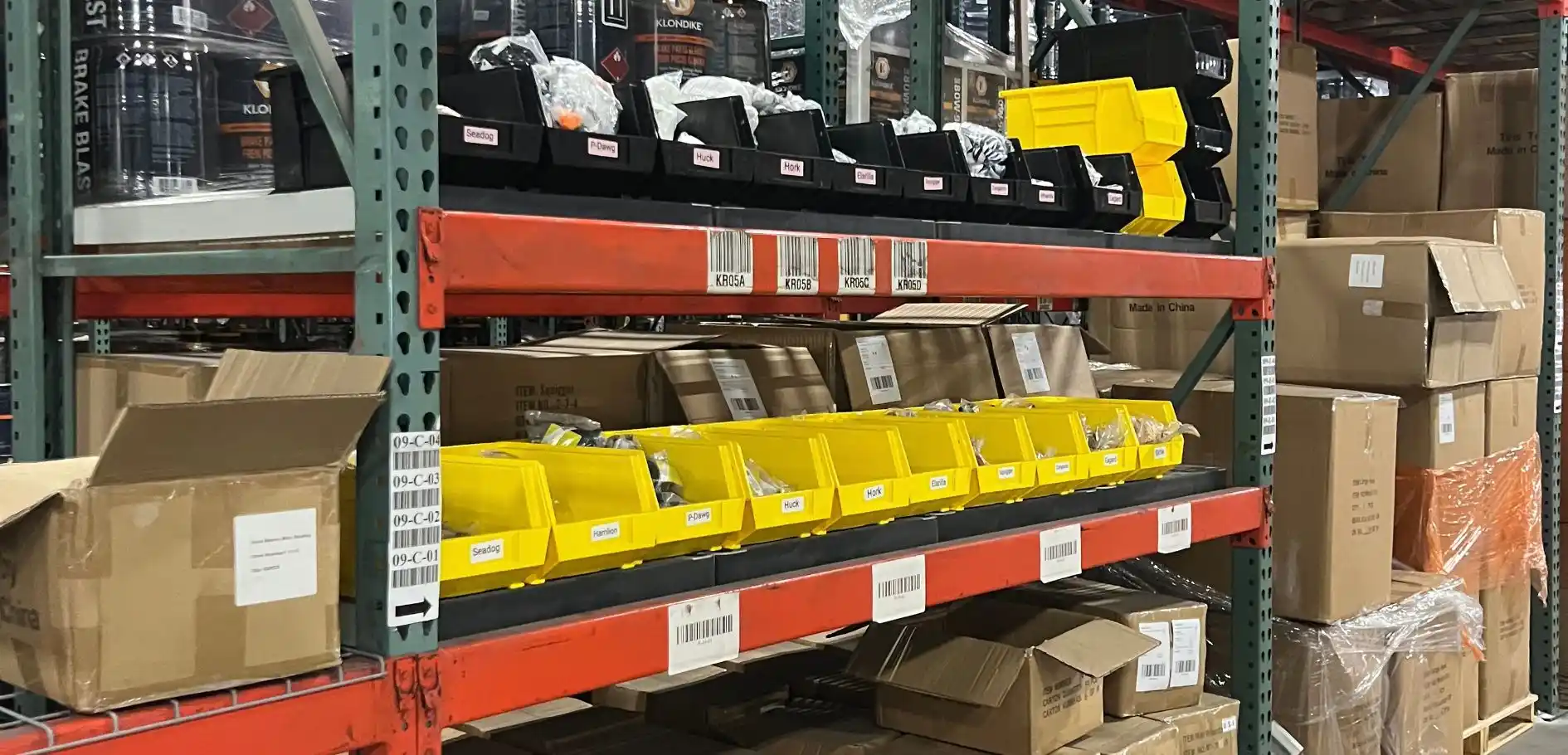
The Fastest WMS to Implement for E-Commerce Fulfillment 3PLs in the USA

This Week in Logistics: A Cost Rule Peak — Canada's Tariffs Go Live, FedEx Guarantees Your Duties, and Peak Season Surcharges Land

What's the Best WMS for Small 3PLs That Need an Easy Setup?

CartonCloud vs Extensiv: Which Platform Delivers More for 3PLs?

Get a Free, Honest Read on Your Operation, in About Two Minutes

CartonCloud’s Commitment to Security: SOC 2 Type 2 Audit Complete

How to Implement a WMS in Your Small 3PL Business: A Practical Guide
.webp)
This Week in Logistics: Multiple Warehouses, Multiple States, One Standard — How HD Warehousing Does It, With Special Guest Chad Hildebrandt, Owner & COO

August 2026: New Feature Round-Up

Warehouse Software for Cold Storage, Food, and Temperature-Controlled Logistics

This Week in Logistics: Season 2 Returns — US-Canada Tariffs, Oil Volatility, and Panama Canal Cuts All at Once
