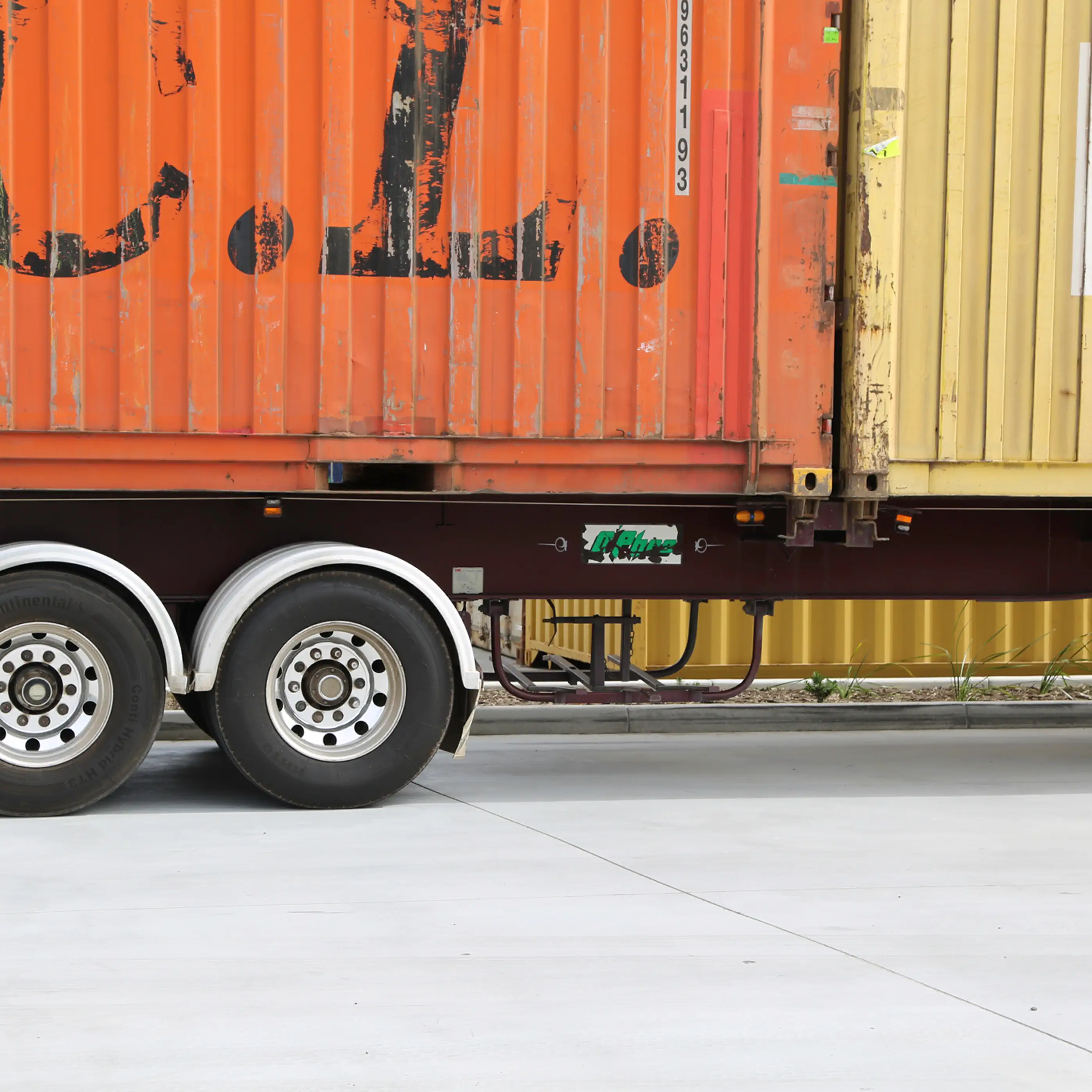
WMS vs TMS: What Growing 3PLs Actually Need
A clear breakdown of warehouse vs transport systems, when you need each, and why combining them matters as your 3PL operation grows.
Published:
October 15, 2026
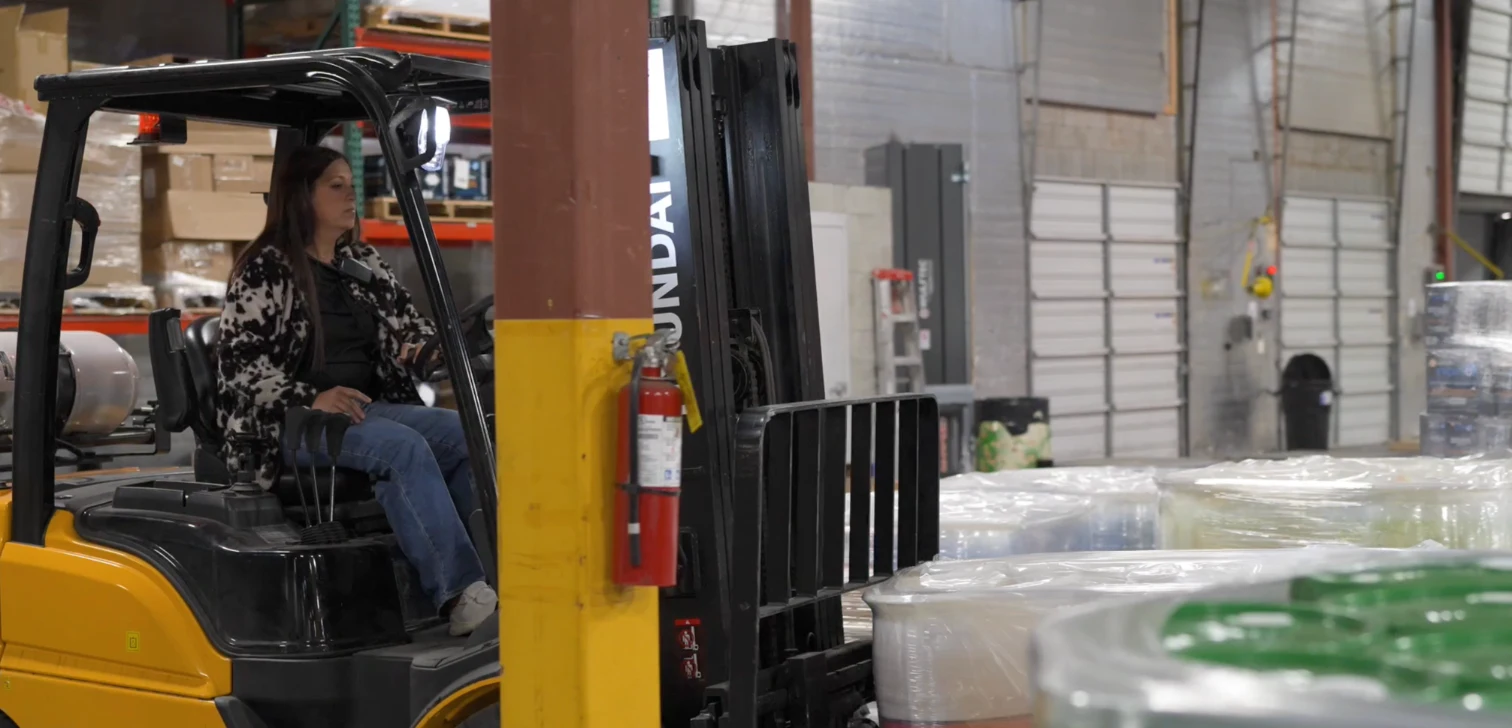
TABLE OF CONTENTS
A WMS manages what happens inside the four walls of your warehouse — inventory, picking, putaway, and dispatch. A TMS manages what happens once those goods hit the road — delivery planning, route optimisation, driver allocation, and proof of delivery (POD).
If you're a growing 3PL offering both warehousing and transport, running these as separate, siloed systems means your team is stuck doing the heavy lifting to bridge the data gap. To scale without increasing your headcount, you need these two systems natively connected.
— TL;DR — The short version
- The Problem: Separate systems force your team into manual data entry, constant CSV importing/exporting, and spreadsheet tracking to manage the flow of information between each platform.
- The Solution: A unified WMS + TMS platform automates the flow of data from the pick-face to the driver's mobile app, giving you complete visibility from end to end.
I'm Elyse Ingham, Product & Lifecycle Marketing Manager at CartonCloud. Working closely with 3PL teams, I hear the same friction point: warehousing and transport start out as two separate problems, and at some point, running them as two separate systems becomes the actual bottleneck.
A lot of 3PLs start out purely as warehousing operations, then at some point start taking on deliveries too (usually starting out with just one truck for a loyal customer, and then growing from there).
Once you get to that point and start managing fulfillment from end to end, a spreadsheet and a phone call can reach its limits fast — you need software that can actually see the whole journey, not just the warehouse half of it.
So, let's talk about how a WMS and a TMS actually work, and how integrating them removes the friction points in your data handoff.
What Is a WMS?
A warehouse management system (WMS) is software that controls how inventory moves through your warehouse — receiving, put-away, storage, picking, packing, and dispatch. It's the system of record for everything that happens before a delivery even starts.
It helps your team with:
- Real-Time Inventory Mapping: Knowing exactly which bin, rack, or mezzanine high-stock is sitting in.
- Picking Workflows: Grouping orders by wave picking, batch picking, or zone picking to ensure your team isn't walking redundant kilometres across the warehouse floor.
- Strict Traceability: Tracking batch numbers, serial numbers, and expiry dates (essential for food, beverage, or pharmaceutical logistics).
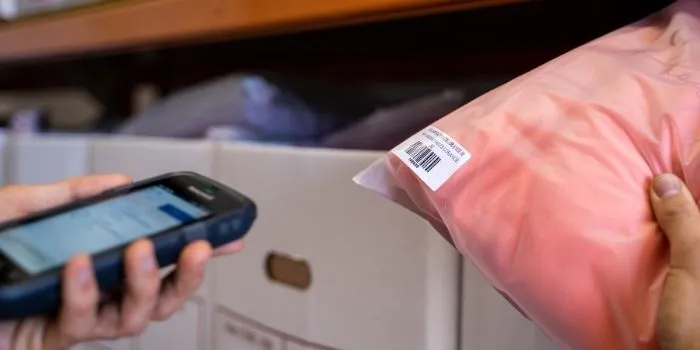
- Barcode Scanning: Ensuring the right item is picked from the right location every single time, drastically reducing human error.
What Is a TMS?
Once stock is packed and sitting on the dispatch dock, the WMS's job is essentially done. That's where a TMS takes over. A transport management system (TMS) is software that manages how goods get delivered once they leave the warehouse — planning routes, allocating drivers, tracking shipments, and capturing proof of delivery (POD).
That includes:
- Route Optimization: Calculating the most efficient stop sequence for your fleet, factoring in traffic, delivery windows, and vehicle capacity.
- Consignment Allocation: Assigning the right deliveries to the right drivers or third-party carriers based on geographic zones.
- Mobile Driver App: Giving drivers digital manifests, navigation, and sign-on-glass proof of delivery.
- Real-Time Tracking: Allowing your office team — and your clients — to see exactly where a shipment is in real time.
Why Running WMS + TMS Separately Creates Problems
A lot of growing 3PLs pick up a WMS first, then grab a TMS later down the track as they buy trucks. On paper, you have both bases covered. But in practice, if these systems don't talk to each other, your operations team ends up being the "human bridge" between them.
Here is what that friction looks like in the warehouse:
- Double Handling + Data Entry: Your warehouse team finishes picking an order in the WMS. Someone then has to manually copy-paste or export a CSV of those orders and upload them into the TMS just to create a consignment note.
- Volumetric Blind Spots: A WMS knows the weight and dimensions of the items on a pallet. If your TMS doesn't have access to that exact product master data, your transport team can't accurately calculate truck loads or volumetric freight charges without manual recalculations.
- The Customer Service Black Hole: When a customer asks, "Where is my order?", your customer service team has to log into the WMS to see if it was picked, then log into the TMS to check if it's on a truck, or worse, call the driver.
Why 3PLs Need WMS + TMS Working Together, in One System
In a nutshell, the biggest reason this matters simply comes down to data. You want one unified database where a warehouse order, a consignment, and a delivery run are all part of the exact same digital record (that's what bridges the gap and avoids double handling or manually inputting information).
That single record also ensures you can have:
- Seamless status triggers, where the moment a packer scans the final item of an order and hits "Complete" on their WMS mobile scanner, that order automatically transitions into an unassigned consignment in the TMS.
- Automated charge calculations, because the system already knows the exact dimensions and weights of the items from the WMS product master data, it instantly calculates the correct freight rates in the TMS. When the driver captures the digital POD on their phone, the system pulls the warehouse storage fees, picking fees, and transport delivery rates into a single, comprehensive invoice.
- A single source of truth for clients. Your customers don't want to log into two different portals. A unified system gives them one login where they can track stock levels, see order progress, view real-time delivery status, and download PODs instantly all under one dashboard.
Drink Distribution is a good example of what this actually looks like for a 3PL managing fulfillment end to end. They run their own warehouse and their own delivery fleet, storing stock for boutique beverage producers and delivering direct to retailers, daily.
Once stock's picked in the warehouse and loaded onto the truck, that delivery gets queued into optimal routes automatically — no separate step, no re-entering the same order twice. Drivers head out with their mobile app and capture digital PODs right at the venue door.
For the producers themselves, that same single record means they can watch their product move through every stage — arriving at the warehouse, picked, packed, loaded, and signed for — without ever having to ask.
"It's very intuitive and user friendly and it makes our jobs a breeze. All of our producers use CartonCloud through the dashboard, and everyone loves it — it's simple to use. Incredibly efficient for tracking orders from warehouse to customer." — Kierden Buchanan, Delivery Specialist, Drink Distribution
When Should You Combine WMS + TMS?
The best way to know if it's time to bring warehousing and transport under one roof is when you start to encounter the same kinds of frictions when handling fulfillment from end to end. This can look like:
- Hiring admin staff just to handle data entry and spreadsheet coordination between the warehouse and the transport office.
- Drivers leaving the yard with printed paper manifests because getting the WMS data into the TMS takes too long.
- Losing money on delivery charges because your team is guessing the volumetric weights of shipments.
- Your customer service team is constantly on the phone tracking down delivery statuses for clients.
If any of these scenarios sound familiar, it's usually a sign your systems aren't talking to each other the way they should.
If you'd like to see how CartonCloud brings WMS and TMS together in one platform, book a free demo.
FAQ
Q: What is the difference between WMS and TMS?
A: A WMS manages warehouse operations like inventory, picking, and dispatch, while a TMS manages deliveries, routing, and transport execution. They cover different parts of the same operation.
Q: Why do growing mid-size 3PL distributors need both WMS and TMS?
A: Growing mid-size 3PL distributors need both because warehouse and delivery workflows are connected in practice. Running them on separate systems creates manual handoffs, data gaps, and errors as order volume increases.
Q: Do 3PLs need both WMS and TMS, or can one system cover it?
A: Yes, most 3PLs need both. Many now use one platform that integrates WMS and TMS, reducing manual work and giving a single view from warehouse to delivery.
Q: Which system should a 3PL implement first, WMS or TMS?
A: It depends on the operation, but 3PLs handling both warehousing and transport — like asset-based operators — generally benefit from implementing a system that supports both from the start.
Q: Why does integration between WMS and TMS matter?
A: Integration between WMS and TMS matters because without it, teams rely on manual processes to connect the two, which increases errors and slows down order processing.
Q: How important is local support when choosing WMS and TMS software?
A: Local support means a real person, in your own time zone, who already understands how your operation runs. That matters because a WMS or TMS powers live, day-to-day work, so quick answers during your trading hours keep everything moving smoothly.
Q: We can't afford another slow implementation. How does local support change go-live time?
A: Local support means help is always close by, in your own time zone. At CartonCloud, we have local teams across Australia, New Zealand and North America to walk your warehouse and transport staff through setup in real time — so you're up and running in days, not months.
Explore the resource hub
Tips, tools, downloadable guides and stories from logistics teams who are working smarter.
5 Signs Your 3PL Needs a Warehouse Management System
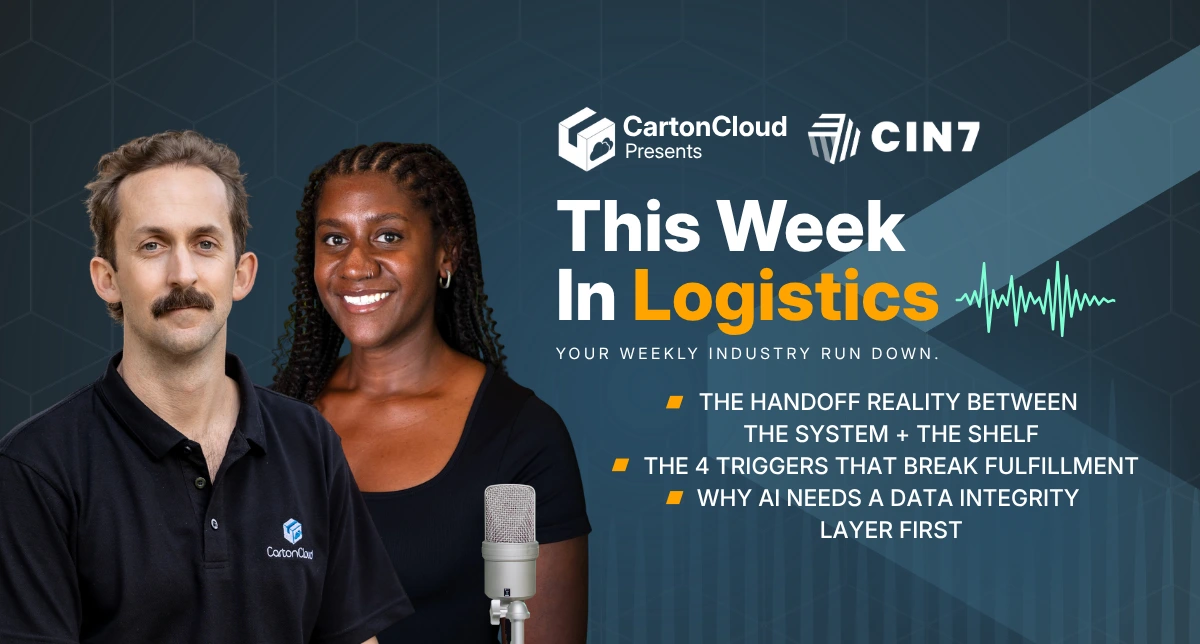
This Week In Logistics: When the System Says Forty and the Shelf Says Twelve — How to Close the Inventory Gap, With Special Guest Gaubrielle Pritchard, Director of Product and Customer Marketing, Cin7
.webp)
The CartonCloud Logistics Index 2026: See where your operation stands

Running WMS and TMS Across Multiple Sites in Australia: The Questions We Answered at MegaTrans 2026
CartonCloud Feature Spotlight: July–September 2026
Deposco Alternatives: What Growing 3PLs Should Consider
What We Heard at B2B World APAC: Large Brands Want Delivery Visibility, Not Just Warehouse Visibility
The Fastest WMS to Implement for E-Commerce Fulfillment 3PLs in the USA
This Week in Logistics: A Cost Rule Peak — Canada's Tariffs Go Live, FedEx Guarantees Your Duties, and Peak Season Surcharges Land
What's the Best WMS for Small 3PLs That Need an Easy Setup?

CartonCloud vs Extensiv: Which Platform Delivers More for 3PLs?
Get a Free, Honest Read on Your Operation, in About Two Minutes

CartonCloud’s Commitment to Security: SOC 2 Type 2 Audit Complete

How to Implement a WMS in Your Small 3PL Business: A Practical Guide
.webp)
This Week in Logistics: Multiple Warehouses, Multiple States, One Standard — How HD Warehousing Does It, With Special Guest Chad Hildebrandt, Owner & COO
August 2026: New Feature Round-Up
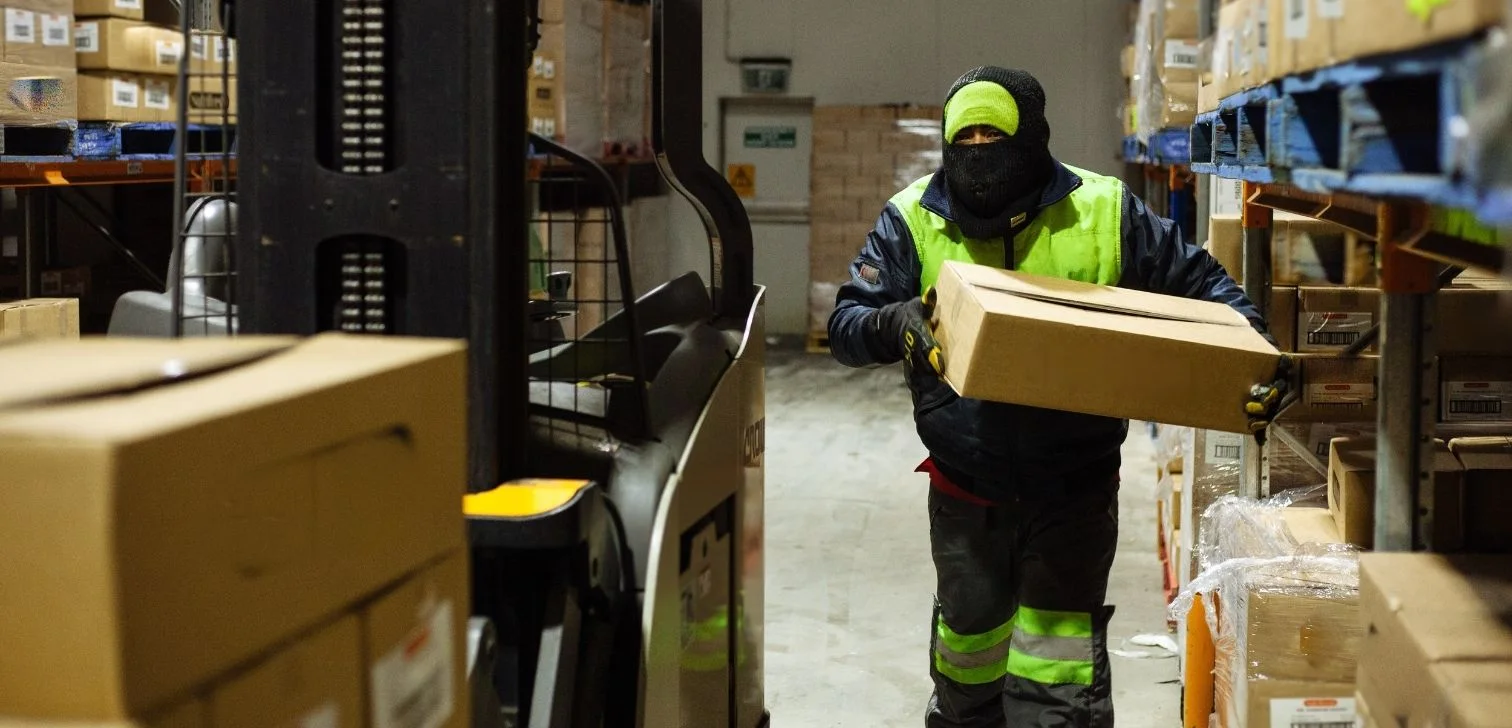
Warehouse Software for Cold Storage, Food, and Temperature-Controlled Logistics
This Week in Logistics: Season 2 Returns — US-Canada Tariffs, Oil Volatility, and Panama Canal Cuts All at Once
.webp)
How Do You Know You've Outgrown Basic Warehouse Systems? 7 Signs for Growing US 3PLs
.webp)
CartonCloud Named a 2026 "Great Supply Chain Partner" by SupplyChainBrain