How to Connect, Automate, + Scale Your Shipping in CartonCloud to over 150+ Carriers
We’ve all been there: The order is packed, the box is sealed, and then it comes time to ship (which means logging into carrier portals, hunting for the best rates, and finally tracking down that shipping label).To reduce unnecessary complexity out of your day-to-day, we’ve built carrier integrations right into the heart of CartonCloud — so you can streamline your shipping process without ever needing to switch systems.
Published:
March 26, 2026

TABLE OF CONTENTS
We’ve all been there: The order is packed, the box is sealed, and then it comes time to ship (which means logging into carrier portals, hunting for the best rates, and finally tracking down that shipping label).
To reduce unnecessary complexity out of your day-to-day, we’ve built carrier integrations right into the heart of CartonCloud — so you can streamline your shipping process without ever needing to switch systems.
TL;DR: In our latest CartonCloud Unboxed Webinar, I walk you through how we’ve brought carrier connections, rate selection, and label printing into one seamless workflow to help your team pack and ship without friction.
Watch the full webinar on demand
A new way to manage carrier integrations
We’ve introduced the ability to connect to a wide range of carriers directly within CartonCloud — over 150 globally — without needing to pay for external platforms.
Now, you can:
- View live rates
- Select carriers
- Print labels
- Send tracking updates
All from within your existing workflow!
How carrier integrations are structured in CartonCloud
To give you flexibility across regions and use cases, we’ve built three integration pathways.
1. Shippit (Australia & New Zealand)
Shippit provides strong carrier coverage across AU/NZ, with 50+ integrations available.
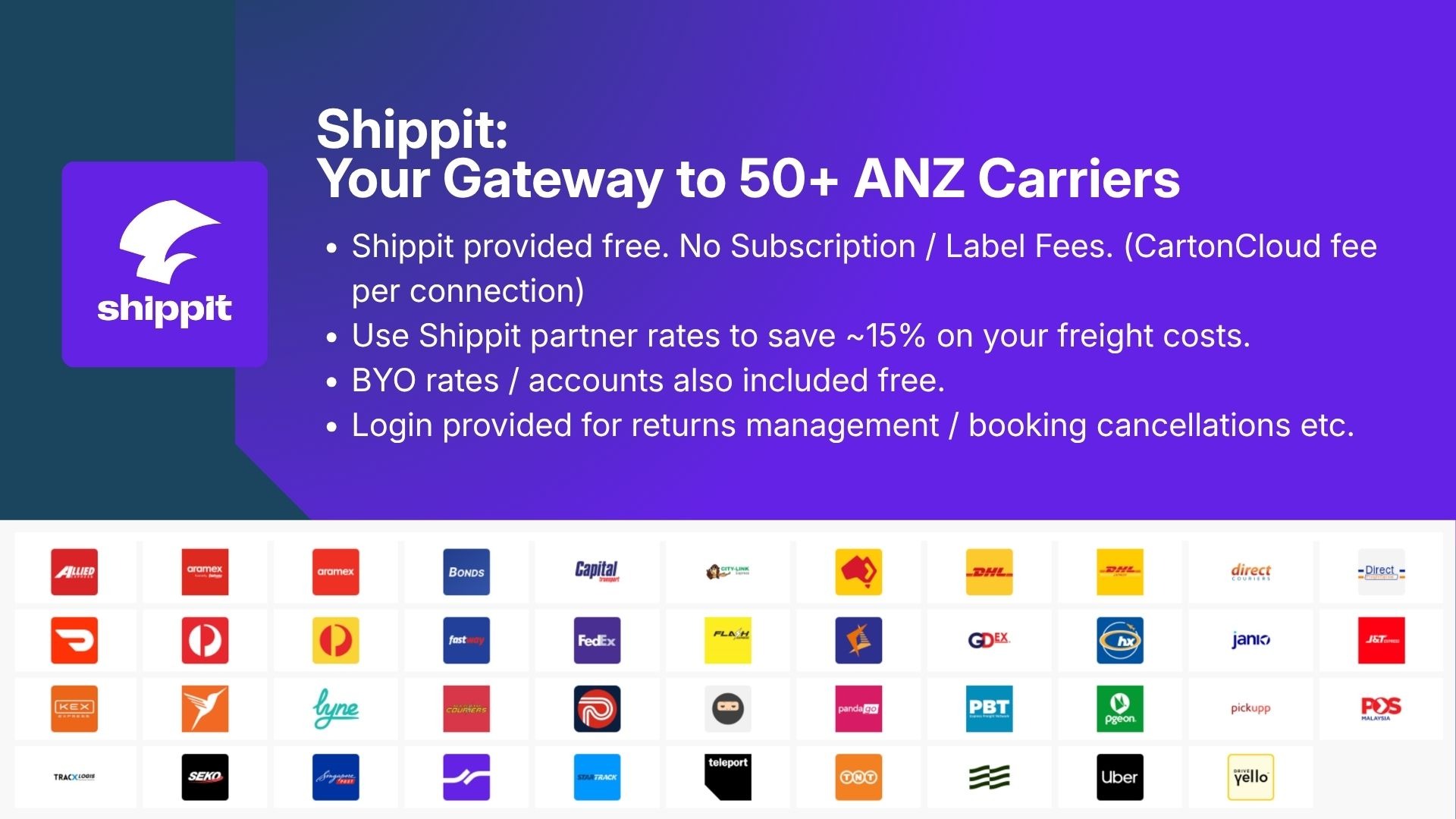
Inside CartonCloud, you can:
- Access Shippit with no subscription
- Use pre-negotiated rates or your own accounts
- Manage carriers, bookings, and returns from one place
This also opens up the opportunity to reduce freight costs by leveraging pre-negotiated rates where it makes sense.
2. EasyPost (North America & global)
For North America and international shipping, EasyPost provides broad coverage across major carriers.
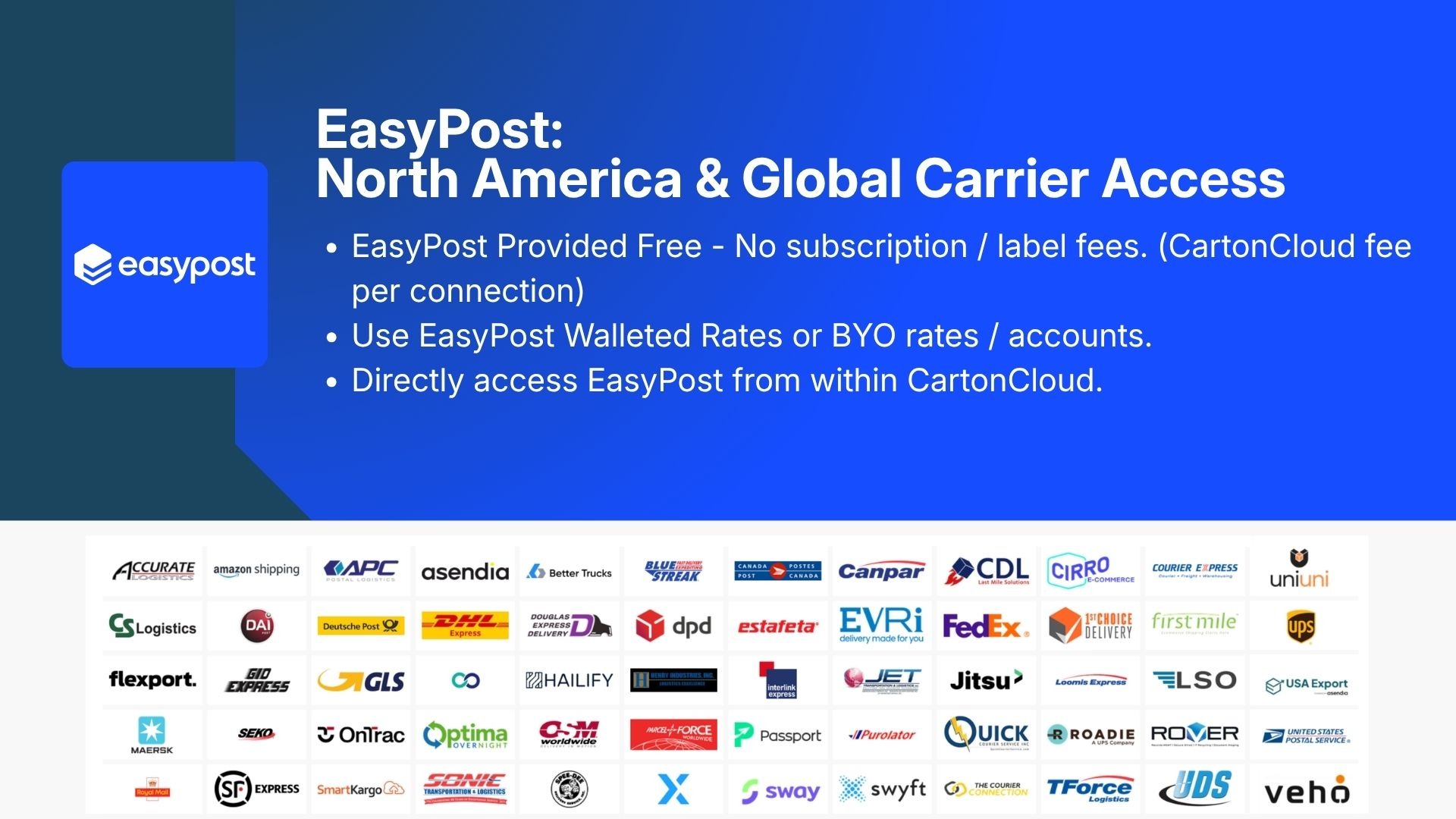
With EasyPost, you can:
- Connect your own carrier accounts
- Access pre-negotiated rates
- Set everything up directly from within CartonCloud
The setup is designed to be fast — with accounts created and connected automatically.
3. Direct carrier connections
For key carriers, we’ve also built direct integrations — including Australia Post and USPS.
This ensures you can still use your own accounts where aggregator limitations exist, giving you full control over how you ship.
Setting up your carrier integrations
Carrier integrations can be configured in two ways:
- Organisation-level
- Shared across all customers
- Ideal for standardised operations
- Customer-level
- Unique to individual clients
- Perfect for 3PLs managing multiple carrier contracts
You can also combine both — giving you visibility across all available rates and the flexibility to choose the best option.
How it works in the Pack Screen
Once everything is connected, the real value shows up in your day-to-day workflow.
As soon as an order is packed:
- CartonCloud automatically requests rates from all connected carriers
- Only valid options are returned (based on size, weight, location)
- The system can automatically select the best option
For example:
- Small parcels → postal carriers
- Larger items → freight carriers
- Different regions → different carrier sets
Automating carrier selection with rules
You can take this a step further by setting up carrier selection rules.
These can be as simple or as detailed as you need:
- Always choose the cheapest rate
- Prioritise fastest delivery
- Use specific carriers for certain customers
- Route shipments based on location
This removes decision-making from the packing bench and ensures consistency across your operation.
From packing to dispatch in one step
Once a rate is selected:
- The order is packed
- The shipment is booked
- Labels are generated instantly
- Tracking is created and linked
That tracking information is then pushed back to connected systems — including customer storefronts — so everyone stays informed without additional admin.
FAQs
Q1: Can I connect my existing carrier or aggregator accounts?
A: Yes, you can connect your own carrier accounts, as well as use aggregator platforms like Shippit and EasyPost. Some custom setups may require assistance from our team.
Q2: Do I need the Transport Management System (TMS) to use this?
A: No, carrier integrations are available without the transport module. You only need warehouse fulfilment enabled.
Q3: Will tracking information update back to customer storefronts?
A: Yes, tracking details are automatically passed back to connected storefronts once the shipment is created.
Q4: Can I set up integrations per customer?
A: Yes, integrations can be configured at both organisation and customer level, depending on how your operation is structured.
Q5: Are integrations billed per connection?
A: Yes, each integration connection is billed individually, similar to other integrations in CartonCloud.
Q6: Can non-3PL businesses use this?
A: Yes, this functionality is available for both 3PLs and in-house logistics teams.
Explore all supported carriers
You can view the full list of available carriers and integrations here.
To request access to Shippit, scan the QR code below to get started!

If you have any more questions, please reach out to our support team today.
Explore the resource hub
Tips, tools, downloadable guides and stories from logistics teams who are working smarter.

This Week in Logistics: A Cost Rule Peak — Canada's Tariffs Go Live, FedEx Guarantees Your Duties, and Peak Season Surcharges Land

What's the Best WMS for Small 3PLs That Need an Easy Setup?

CartonCloud vs Extensiv: Which Platform Delivers More for 3PLs?

Get a Free, Honest Read on Your Operation, in About Two Minutes

CartonCloud’s Commitment to Security: SOC 2 Type 2 Audit Complete

How to Implement a WMS in Your Small 3PL Business: A Practical Guide
.webp)
This Week in Logistics: Multiple Warehouses, Multiple States, One Standard — How HD Warehousing Does It, With Special Guest Chad Hildebrandt, Owner & COO

August 2026: New Feature Round-Up

Warehouse Software for Cold Storage, Food, and Temperature-Controlled Logistics

This Week in Logistics: Season 2 Returns — US-Canada Tariffs, Oil Volatility, and Panama Canal Cuts All at Once
.webp)
How Do You Know You've Outgrown Basic Warehouse Systems? 7 Signs for Growing US 3PLs
.webp)
CartonCloud Named a 2026 "Great Supply Chain Partner" by SupplyChainBrain
.webp)
Dock Management: How We Built Visibility Into Every Delivery
.webp)
July 2026 — New Feature Round-up

What US 3PL Operators Really Say About Switching From Slow, Complex WMS Alternatives

CartonCloud vs Competitors: An Honest Comparison from an Implementation Specialist
.webp)
Running Multiple Sites from One WMS System: How HD Warehousing Scaled Without the Complexity
.webp)
This Week in Logistics: The Operator Playbook

Deposco Alternatives: What Growing 3PLs Should Consider

CartonCloud Feature Spotlight: April-June 2026
