Use your phone for mobile barcode scanning
With CartonCloud’s native mobile app for iPhone and Android, you can boost accuracy and streamline your warehouse and transport operations – with powerful, precise barcode scanning right in the palm of your hands.
Published:
October 21, 2024
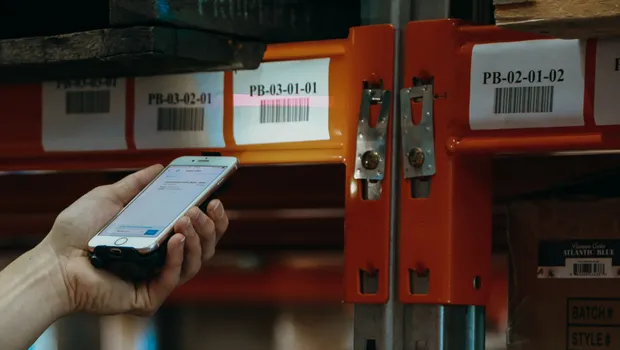
TABLE OF CONTENTS
Want barcode scanning to be fast, simple, and accurate? We’ve got an app for that! 🙋🏽♂️
With CartonCloud’s native mobile app for iPhone and Android, you can boost accuracy and streamline your warehouse and transport operations – with powerful, precise barcode scanning right in the palm of your hands. 🤳
It’s never been easier to get up and running with warehouse barcode scanning from your iPhone or Android mobile phone! Just connect your smartphone to a Bluetooth scanner, open the CartonCloud WMS and TMS Mobile App, and you’re all set. Really. It’s that simple.
You can enjoy greater accuracy, automated data entry and tracking, and more oversight of your operations all with the tools you already have on hand. In this helpful article, we’ll walk you through the top barcode scanning workflows and features that make managing your stock both easy and precise.
How do you scan a barcode with your phone? Take a look at end-to-end mobile barcode scanning operations, using CartonCloud’s easy to use Mobile app!
Barcode scan with your phone in the warehouse!
Whether it’s picking and packing orders, putting away inventory, moving stock, receiving consignments with electronic signatures, or cross docking — CartonCloud barcode scanning on iPhone and Android simplifies it all, helping you unlock more growth for your 3PL warehouse!
Using CartonCloud’s powerful, cloud-based Warehouse Management System mobile app, you can easily scan the top used barcodes in your 3PL warehouse, including:
1. Serial numbers
2. Warehouse racking barcodes
3. Pallet barcodes
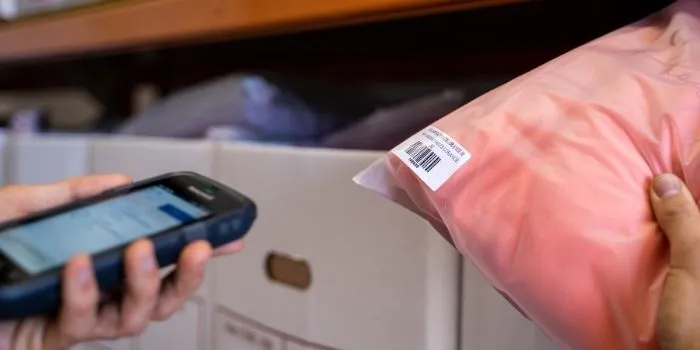
4. SKU barcodes
5. SSCC barcodes
These barcodes can be used in your daily workflows with CartonCloud’s mobile app to accurately streamline your tasks, whether it’s:
- using serial numbers or pallet barcodes to scan incoming stock;
- scanning a SKU barcode to pick an order;
- or moving stock throughout the warehouse by scanning warehouse racking barcodes and pallet barcodes using CartonCloud’s Scan Move feature.
Use your phone for barcode scanning in transport and delivery!
From the warehouse, to last mile — we’ve got you covered! To optimize your shipment and deliveries, CartonCloud can automatically allocate your delivery consignments to your drivers by simply scanning the printed labels on boxes with our driver app.
Let’s break it down and see how barcode scanning from your phone can help you boost accuracy at every level of your 3PL operations.
Easy-to-use barcode scanning from your phone
We know you’re busy — which is why we’ve ensured you can start using CartonCloud’s barcode scan through the mobile app immediately. Simply connect a Bluetooth barcode scanner, or use the CartonCloud mobile app on a mobile computer and start scanning.
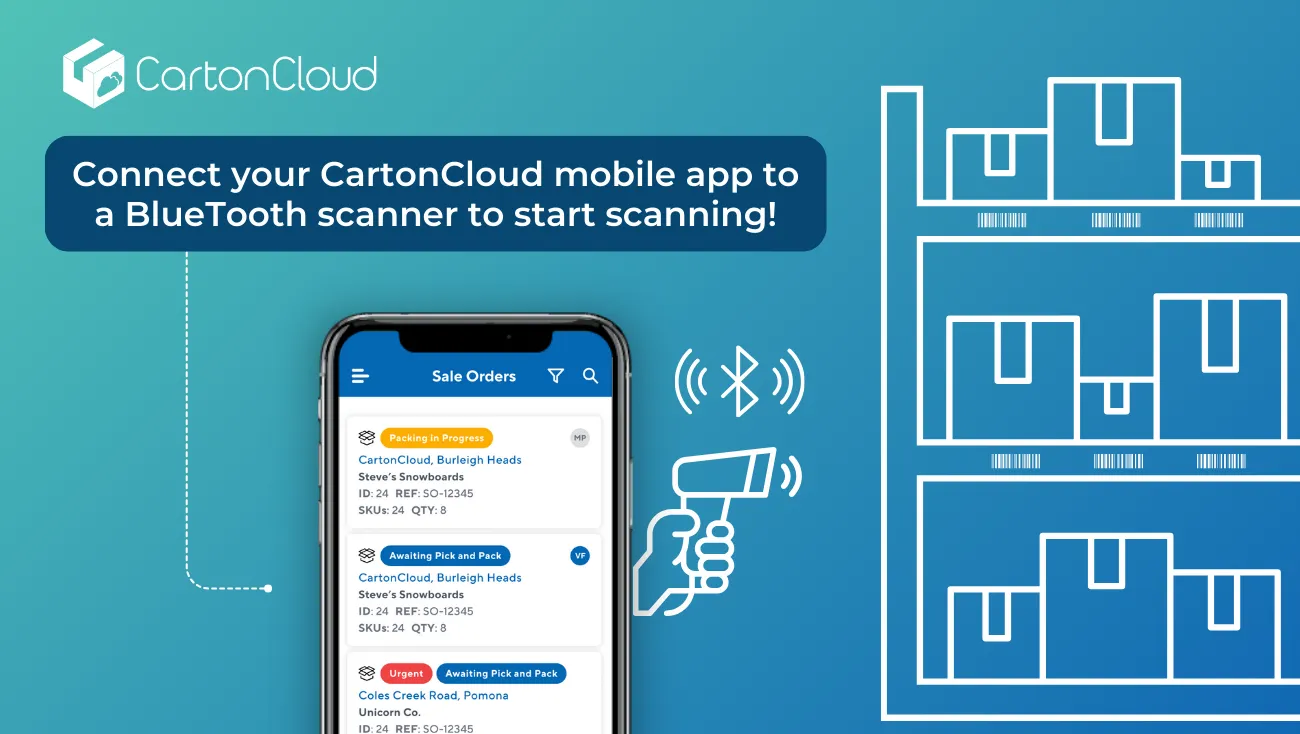
Using barcode scanning across workflows provides enhanced visibility and tracking for inventory locations and movement, enables you to check and confirm the stock selection or locations for putaway, and gives increased accuracy at every step.
While scanning barcodes at each step may add on some time in the workflow, it will save time overall by removing manual data entry, reducing mistakes, simplifying location identification, and enabling real-time data updates within your system as stock is accepted, moved, picked, dispatched and delivered.
Save time and increase accuracy with CartonCloud’s barcode scanner for iPhone and Android on our driver and warehouse mobile apps.
Simplify workflows and boost accuracy for your team, and provide greater reporting transparency for your customers, with CartonCloud mobile barcode scanning. Want to know more about setting up warehouse barcodes? Check out this helpful article for everything you need to know about warehouse barcode labels.
“We have the locations that are already on our racks. So if there was any question of what item is in that specific location, it’s as easy as scanning that barcode, and it pops up on your CartonCloud app.”
“It has saved us so much time and it's helped streamline the process of just creating a very positive workflow and a seamless workflow within our warehouse.” - Jimmy Skodras, Vice President of Operations and Logistics at Rockstar 3PL.
Barcode scanner on iPhone and Android to move and reallocate stock
With CartonCloud, you can use mobile barcode scanning to easily maintain accuracy and keep records up to date in real-time while moving stock from one location to another, including allocating inventory to staging for cross docking.
Here's how mobile barcode scanning works to match physical stock movement with updated WMS records instantly!
See how Drink Distribution uses Scan Move in their warehouse to easily manage their stock.
Whether you're scanning incoming stock, picking orders, or relocating inventory, CartonCloud’s mobile app simplifies your workflow at every step.

WMS Barcode scanner on iPhone and Android for inventory picking
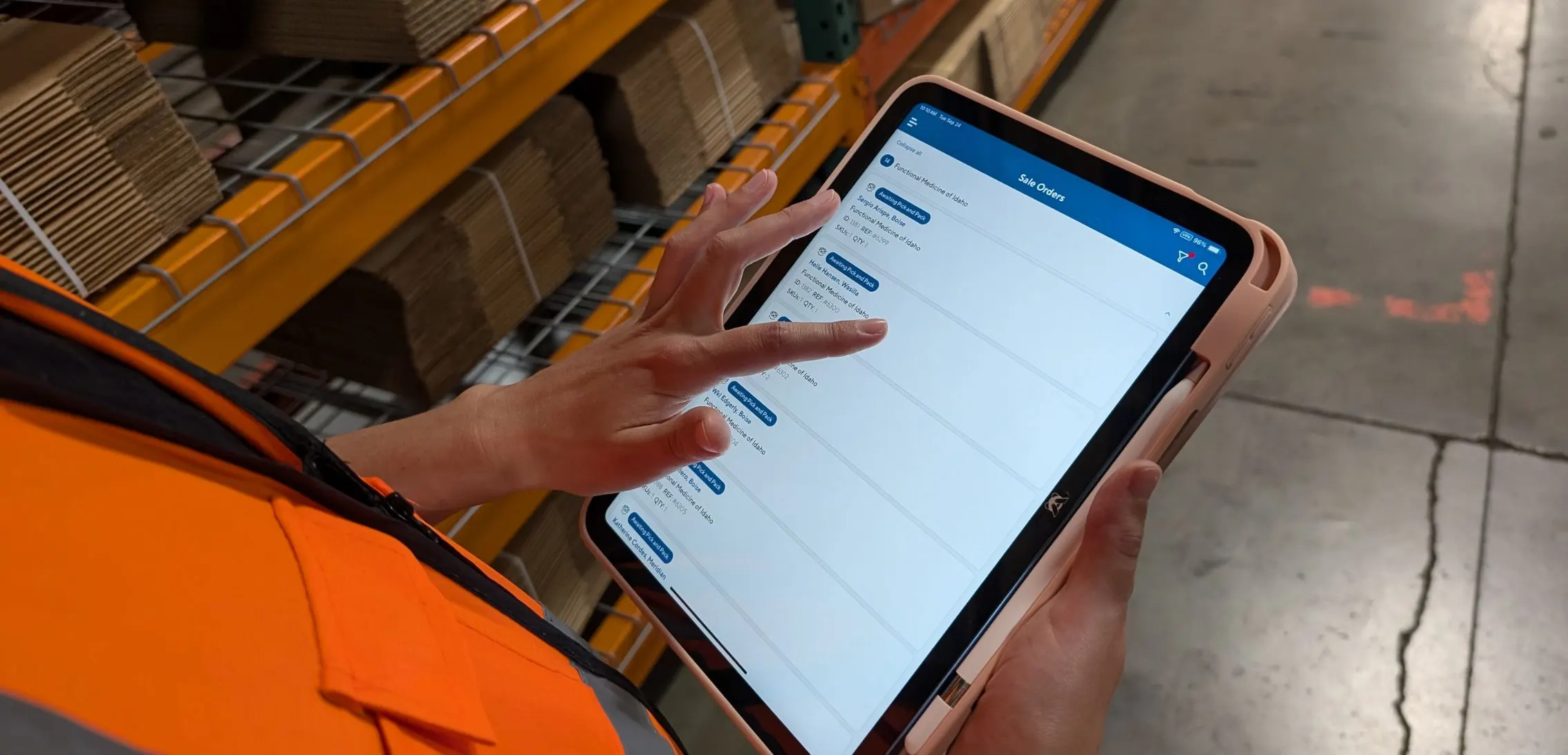
In CartonCloud, we’ve made it easier to ensure accurate picking every time, with barcode scanning through the mobile app for pickers, no matter which type of barcode label you use in your warehouse.

The picker can pair the CartonCloud mobile app’s barcode scanner for iPhone or Android with a Bluetooth scanner and start picking. In this quick tutorial, Vincent walks through the mobile view when using barcode scanning for batch number picking.
Check out this clever #WarehouseHack for scanning multiple barcodes on a single pallet!
Discover more barcode label #WarehouseHacks in our FREE, downloadable guide.
TMS Barcode scanner on iPhone and Android for delivery allocation and ePODs
To optimize your shipment and deliveries, CartonCloud can automatically allocate your delivery consignments to your drivers by simply scanning the printed labels on boxes with our driver app.
Then at the other end of the route, drivers can use the CartonCloud mobile app to scan the barcode and collect electronic proof of delivery (ePODs), capturing the delivery confirmation for greater transparency and tracking.
Barcode scanner on iPhone and Android for Custom labels
For cold storage and freight operations needing something a bit more rugged, you can use the CartonCloud mobile app for Android on rugged mobile computers to operate in cold storage settings and freezer room conditions of greater than -20C.
Check out this helpful video to show how simple mobile barcode scanning for batch numbers is with CartonCloud.
Mobile Barcode scanning for custom labels, SSCC and GS-1 labels
Serial Shipping Container Code (SSCC) labels are labels positioned on the outside of a pallet or container which provide all the information in one label to provide freight visibility throughout the supply chain.
They are used as a globally accepted barcode, symbolizing adherence to the GS1 standards — making them extremely useful and very important to easily read and scan into your system. Through CartonCloud’s barcode scanning on iPhone and Android devices, you can easily scan SSCC labels to enter into your system. (You can also generate and print your own SSCC labels through CartonCloud.)
Want to know more?
Using the barcode scanner on the mobile app can simplify workflows and increase accuracy. To get the best iPhone scanner app results, see this guide on how to connect a Bluetooth barcode scanner.
We’d love to help you get started with a robust and reliable solution that can be run directly from your own smartphone. Get more from the resources you have on hand, and boost efficiency with ease!
Get in touch with us here at CartonCloud today, as with thousands of users, we’re leading the way with both our warehousing and transport solutions.
Updated October, 2024
Explore the resource hub
Tips, tools, downloadable guides and stories from logistics teams who are working smarter.
.webp)
What Is Directed Putaway (and Does Your Warehouse Need It)?

This Week in Logistics: Inside the 2026 CartonCloud Logistics Index
How to Automate Warehouse Invoicing, Rate Cards, and Reporting
WMS vs TMS: What Growing 3PLs Actually Need
5 Signs Your 3PL Needs a Warehouse Management System

This Week In Logistics: When the System Says Forty and the Shelf Says Twelve — How to Close the Inventory Gap, With Special Guest Gaubrielle Pritchard, Director of Product and Customer Marketing, Cin7
.webp)
The CartonCloud Logistics Index 2026: See where your operation stands

Running WMS and TMS Across Multiple Sites in Australia: The Questions We Answered at MegaTrans 2026
CartonCloud Feature Spotlight: July–September 2026
Deposco Alternatives: What Growing 3PLs Should Consider
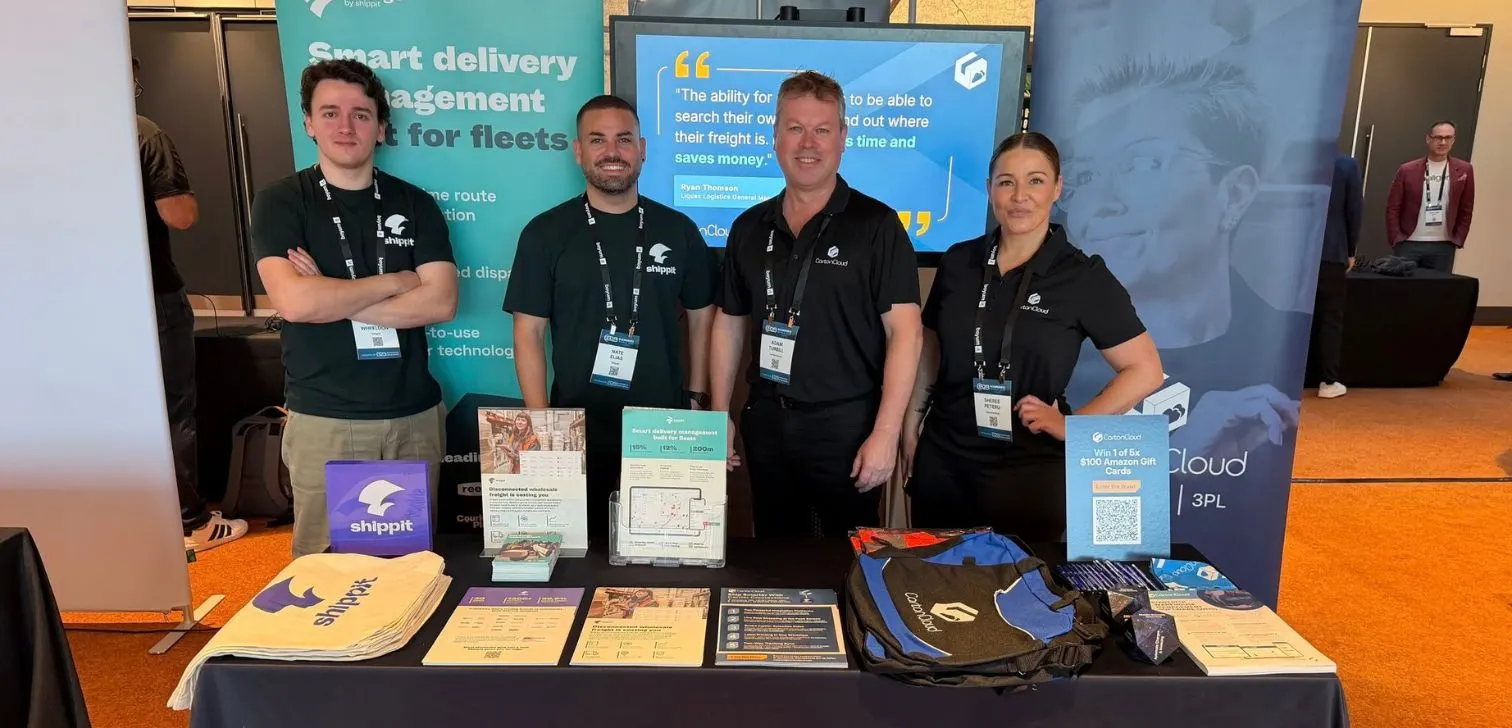
What We Heard at B2B World APAC: Large Brands Want Delivery Visibility, Not Just Warehouse Visibility
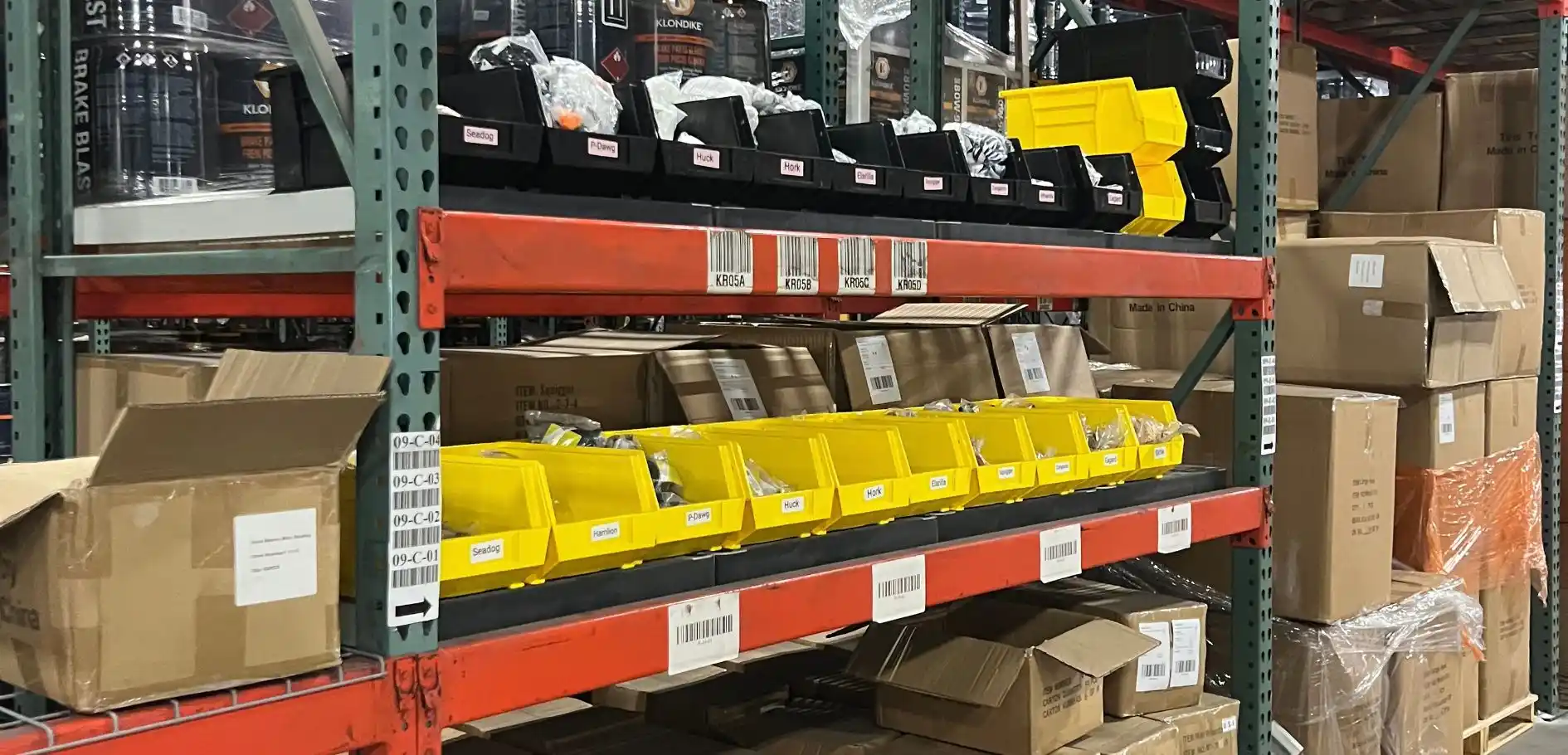
The Fastest WMS to Implement for E-Commerce Fulfillment 3PLs in the USA

This Week in Logistics: A Cost Rule Peak — Canada's Tariffs Go Live, FedEx Guarantees Your Duties, and Peak Season Surcharges Land
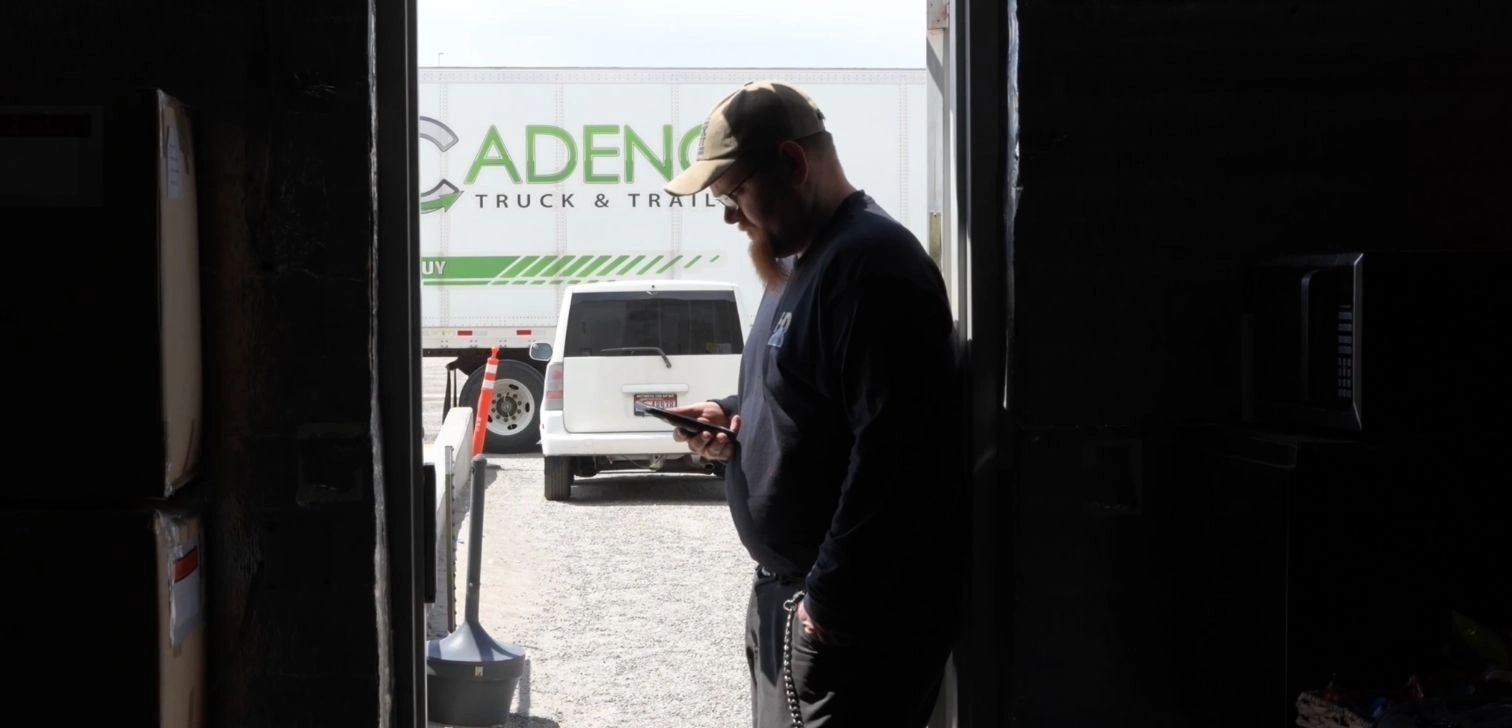
What's the Best WMS for Small 3PLs That Need an Easy Setup?

CartonCloud vs Extensiv: Which Platform Delivers More for 3PLs?
Get a Free, Honest Read on Your Operation, in About Two Minutes

CartonCloud’s Commitment to Security: SOC 2 Type 2 Audit Complete

How to Implement a WMS in Your Small 3PL Business: A Practical Guide
.webp)
This Week in Logistics: Multiple Warehouses, Multiple States, One Standard — How HD Warehousing Does It, With Special Guest Chad Hildebrandt, Owner & COO

August 2026: New Feature Round-Up